
Write on any PDF like it’s paper.
Import lecture slides, handouts, contracts or forms and mark them up with Apple Pencil. Highlight, circle and write in the margins, then export a clean PDF.

Free to start. On iPad, iPhone and Mac.
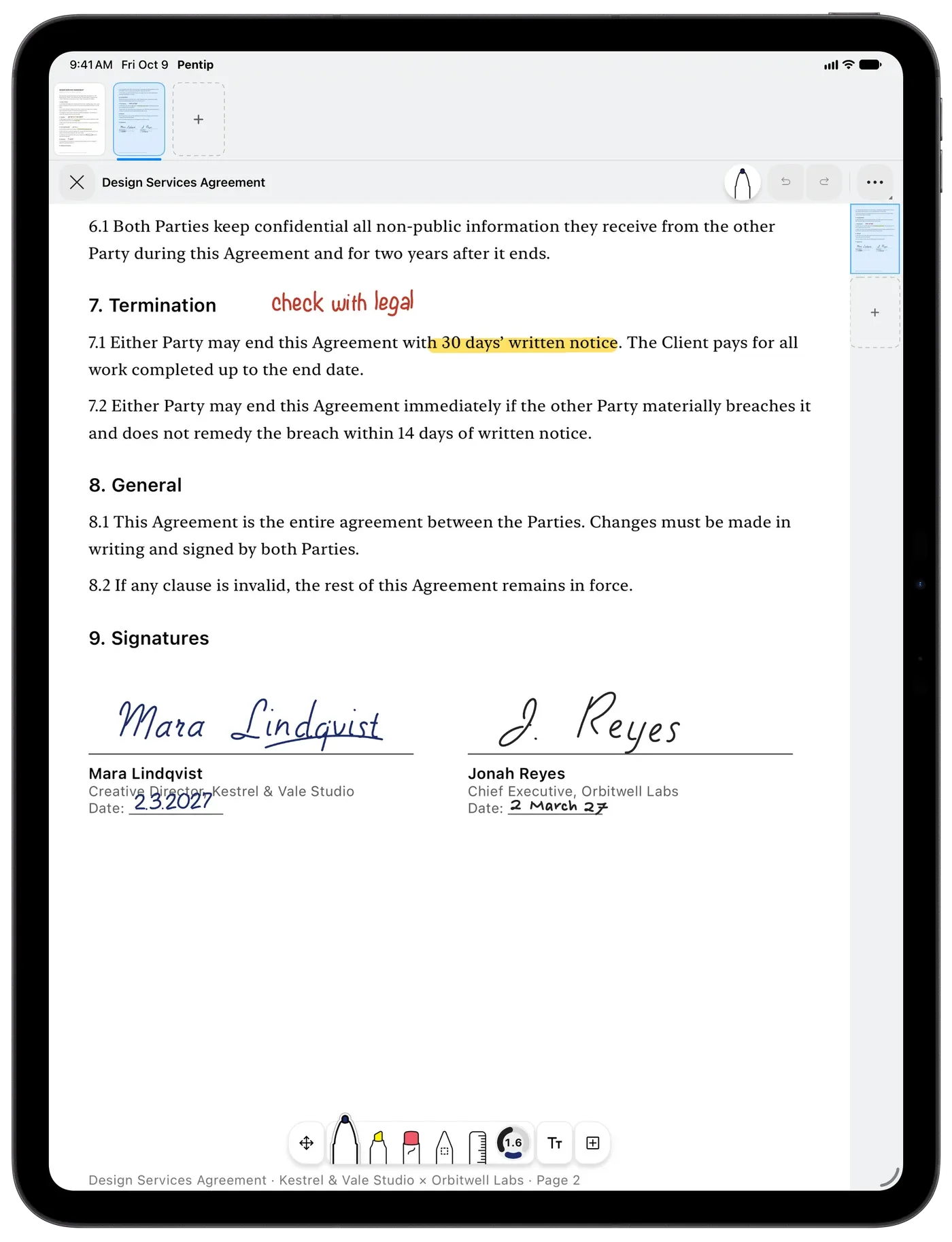
Fill in forms. Then sign them.
Tap a form field and type into it, in any script, right to left included. Sign with Apple Pencil where it says sign, and what you typed into the fields is searchable afterwards.
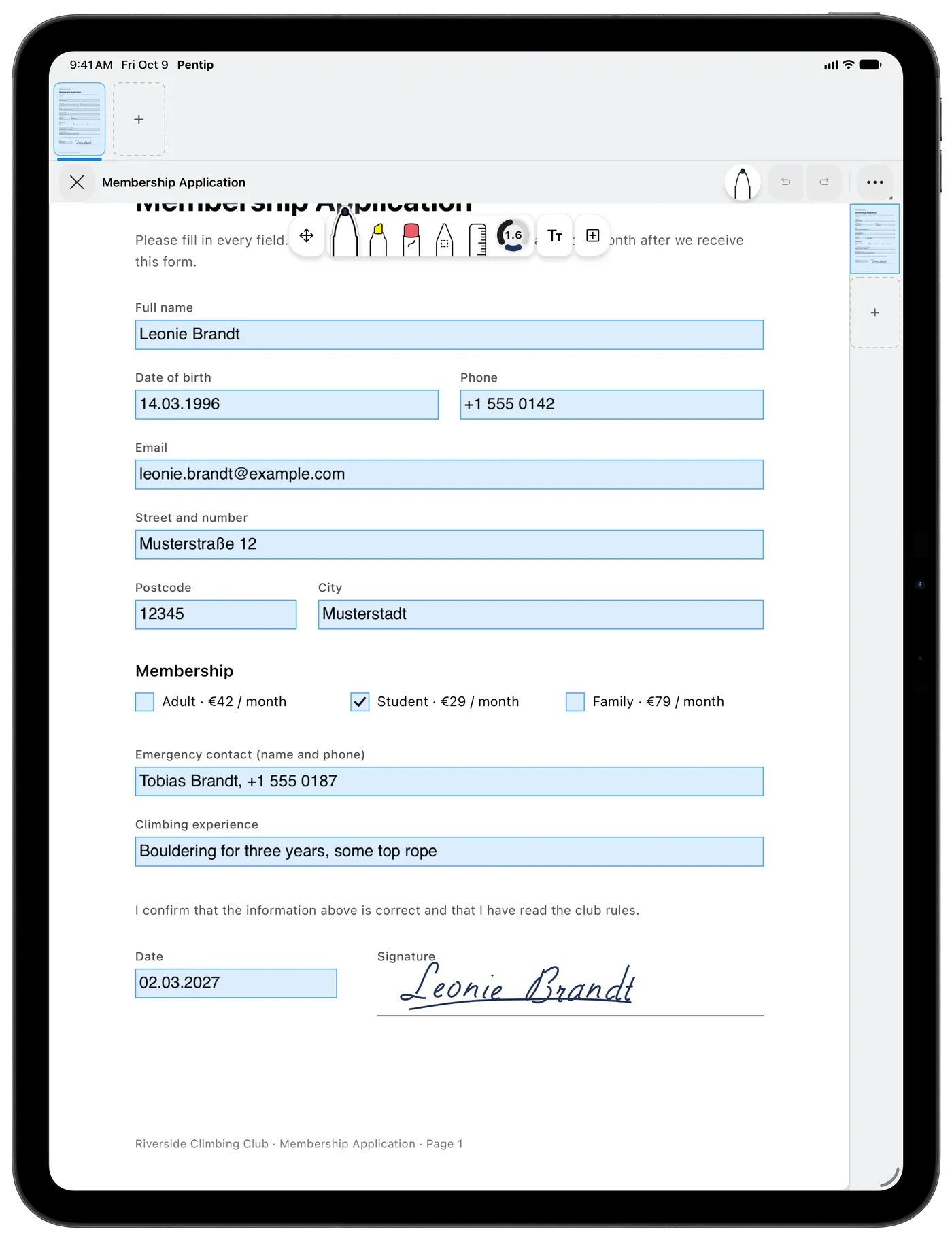
Scan paper straight in.
Scan pages with the camera, set the four corners, and they arrive as a PDF you can write on, right inside your notes.
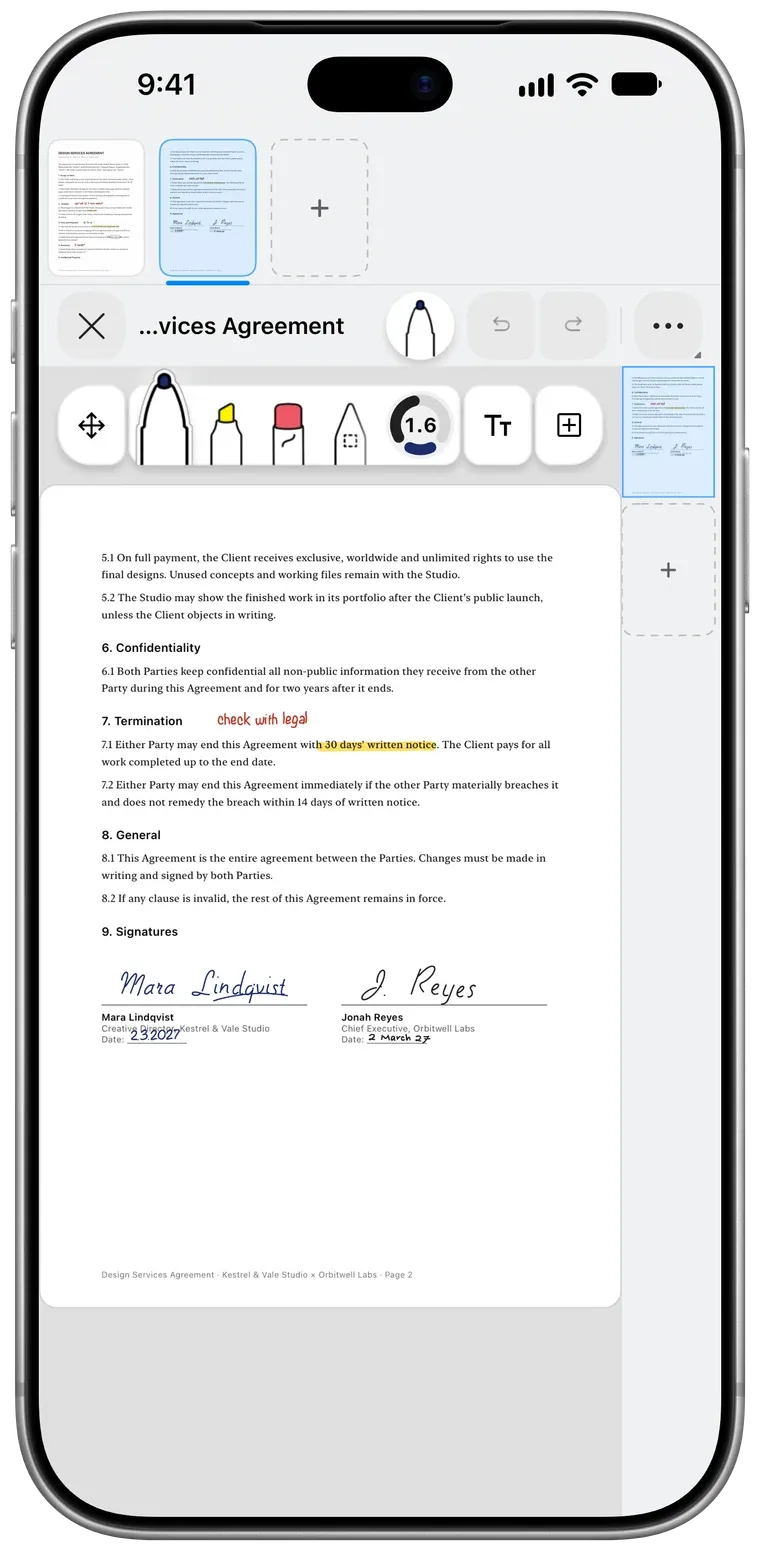
A new version? Your notes stay.
When your lecturer sends a corrected PDF, swap it in. Every note you made stays where you wrote it.
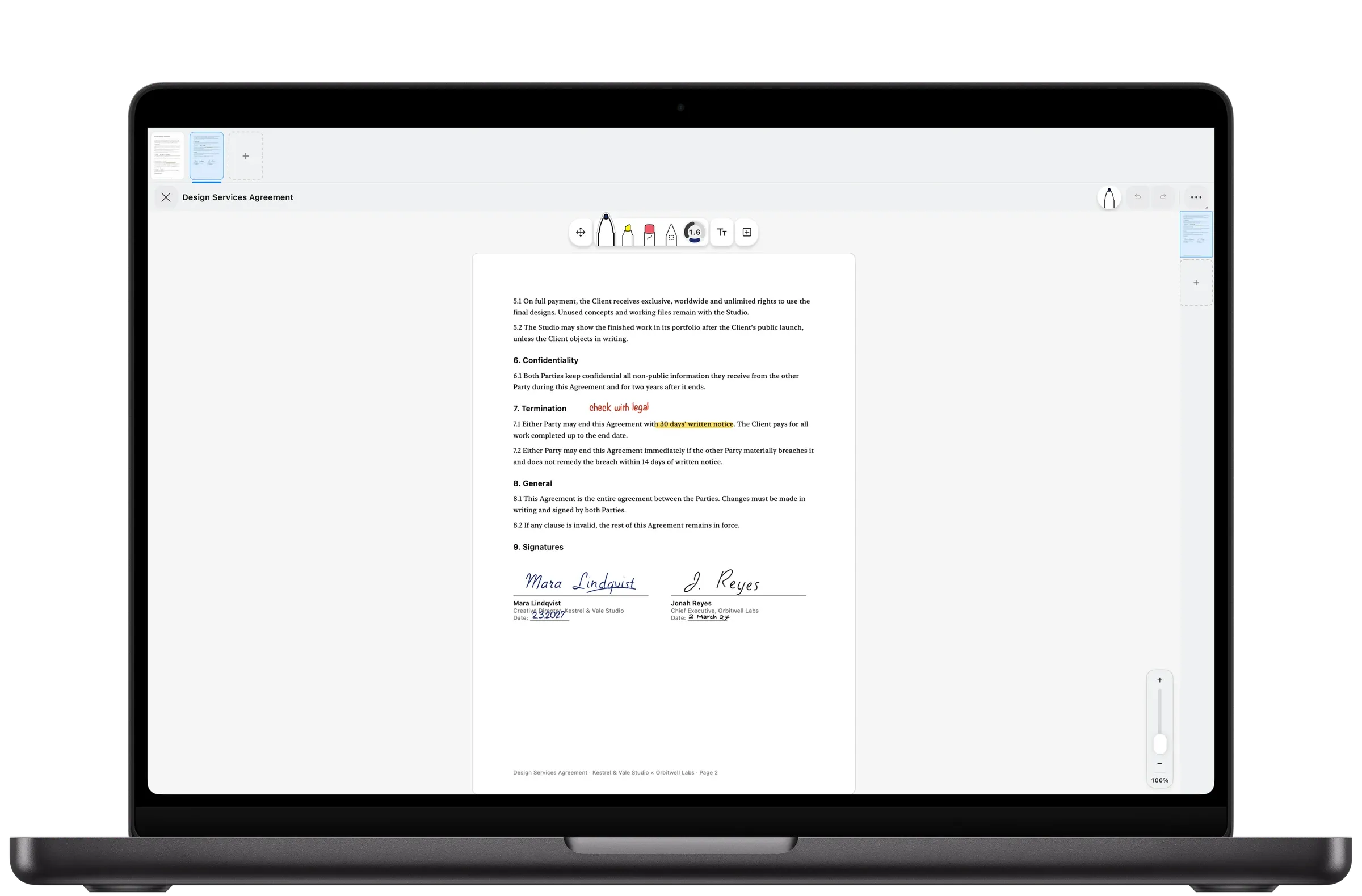
Use the text inside the PDF.
Select text in the PDF to copy it, look it up or translate it. Tap a link to see where it leads, and the Back to page bar takes you back to where you were.
Good to know.
Can I sign a PDF in Pentip?
Yes. Write your signature with Apple Pencil, or with your finger on iPhone, and export the signed PDF.
Does Pentip fill in PDF forms?
Yes. Tap a form field and type. Form fields support right-to-left text, mixed scripts and Arabic digits, and search finds what you typed into them.
Can I search the text of a PDF?
Yes. Pentip searches the text inside imported PDFs together with your handwriting and your typed notes.
Will my notes survive a new version of the PDF?
Yes. Swap in the corrected file and every note stays where you made it.
Features
- Handwritten notes Handwriting and typing, on the same page.
- Flashcards Flashcards in your own handwriting.
- Whiteboard A whiteboard that never runs out of room.
- Handwriting search Search your handwriting like typed text.
- Smart Dark Read in the dark. Share in the light.
- Paper templates The right paper for every page.
- For students From the first lecture to the last exam.