
From the first lecture to the last exam.
A whole semester fits in one app: notes, lecture PDFs, flashcards and a whiteboard, all searchable, even your handwriting.

Free to start. On iPad, iPhone and Mac.
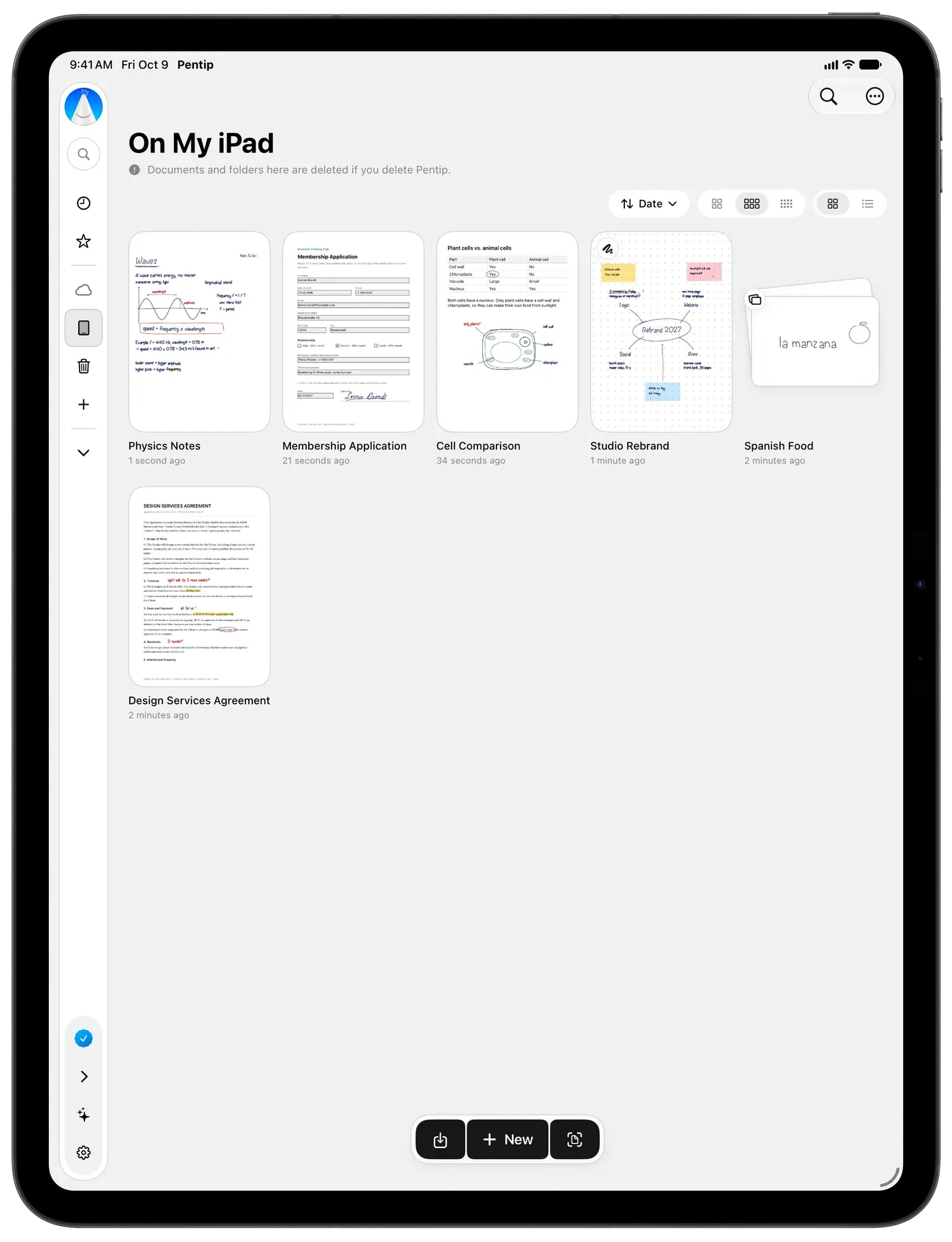
In the lecture.
Import the slides as a PDF and write right on them. Type when it is faster, draw when it is clearer, all on the same page.
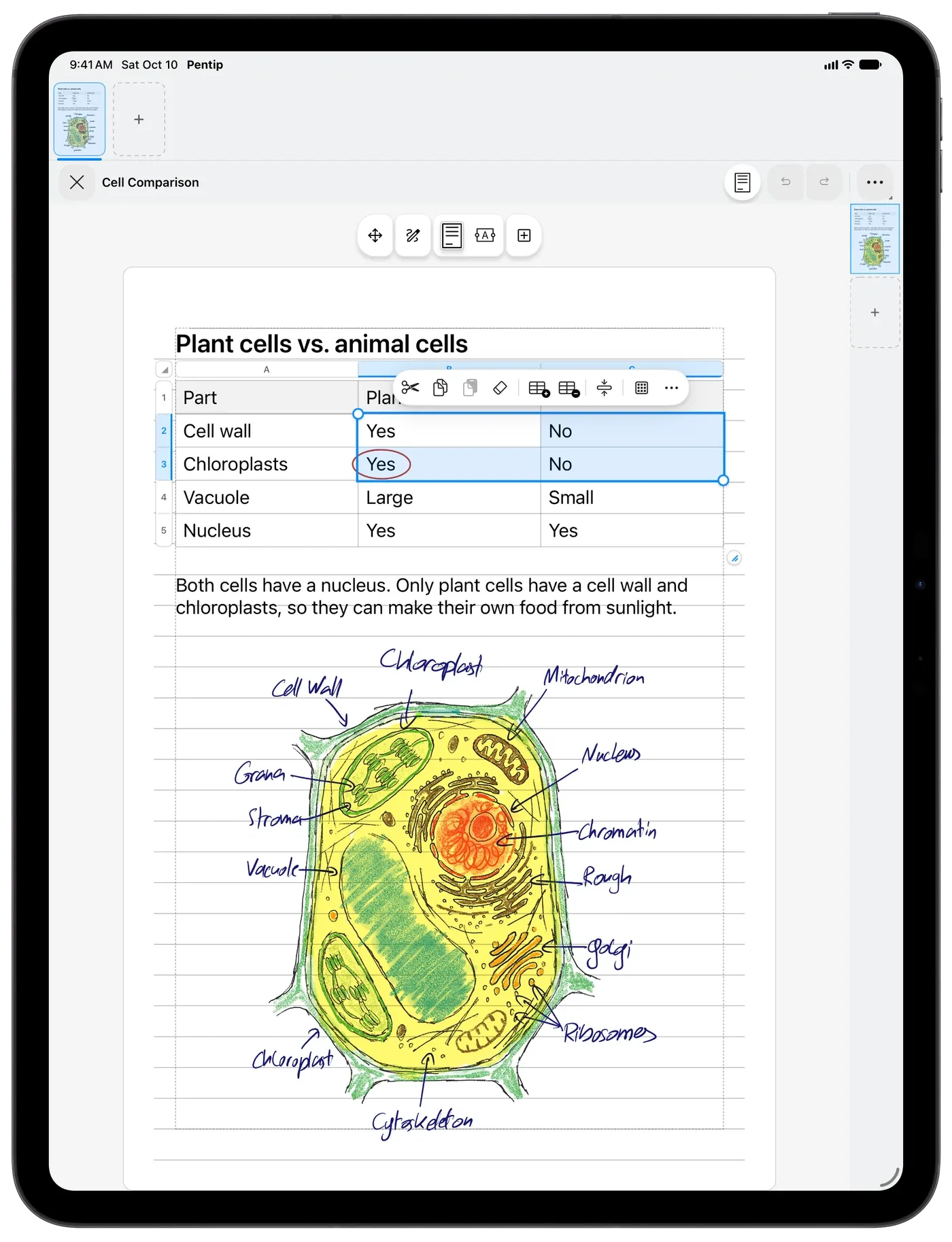
Before the exam.
Turn what you learned into flashcards in your own handwriting and study them shuffled. The hard ones come back sooner, and the results show what still needs work.
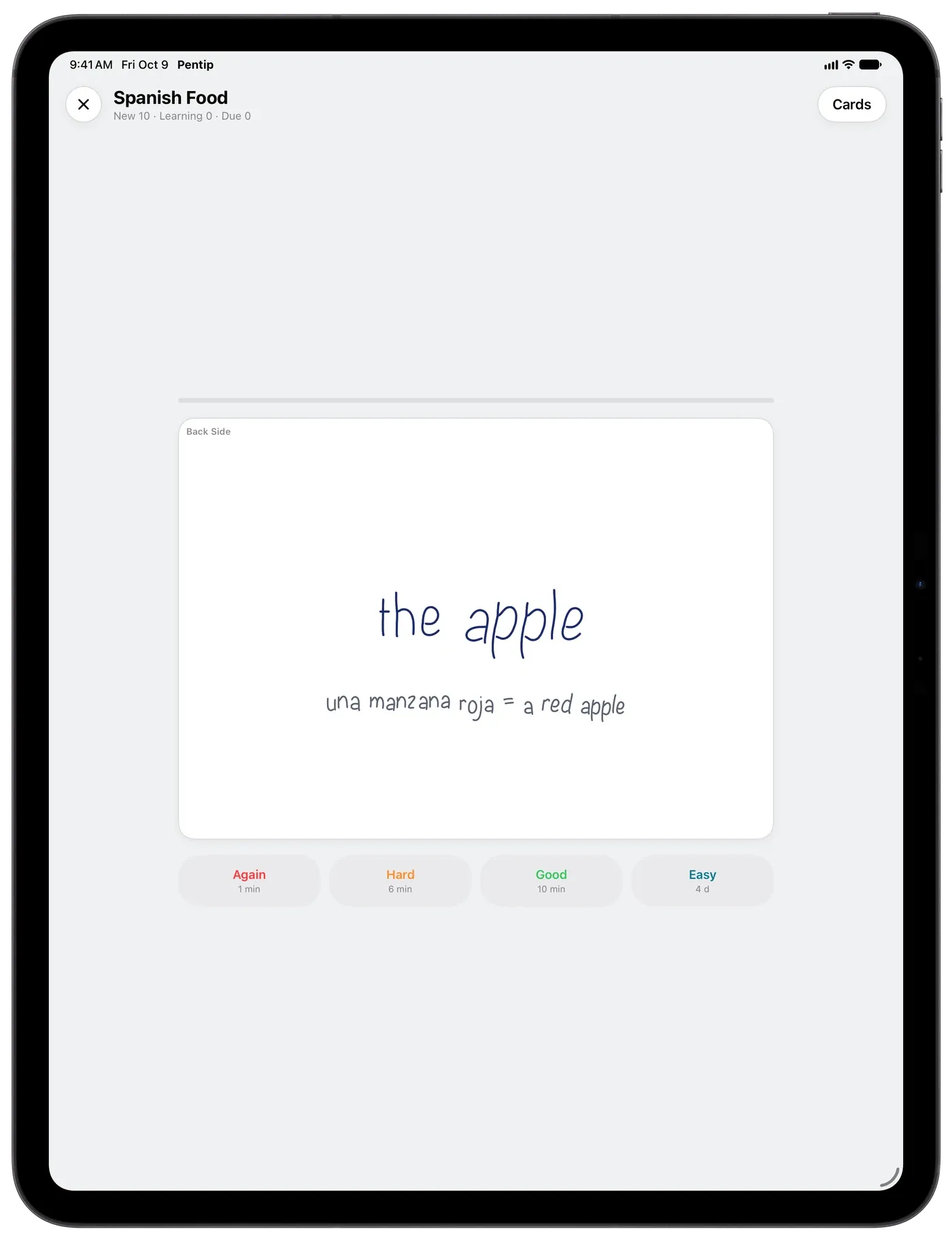
When you need that one page.
Search finds the word you wrote by hand weeks ago, in any of ten languages, and jumps straight to it.
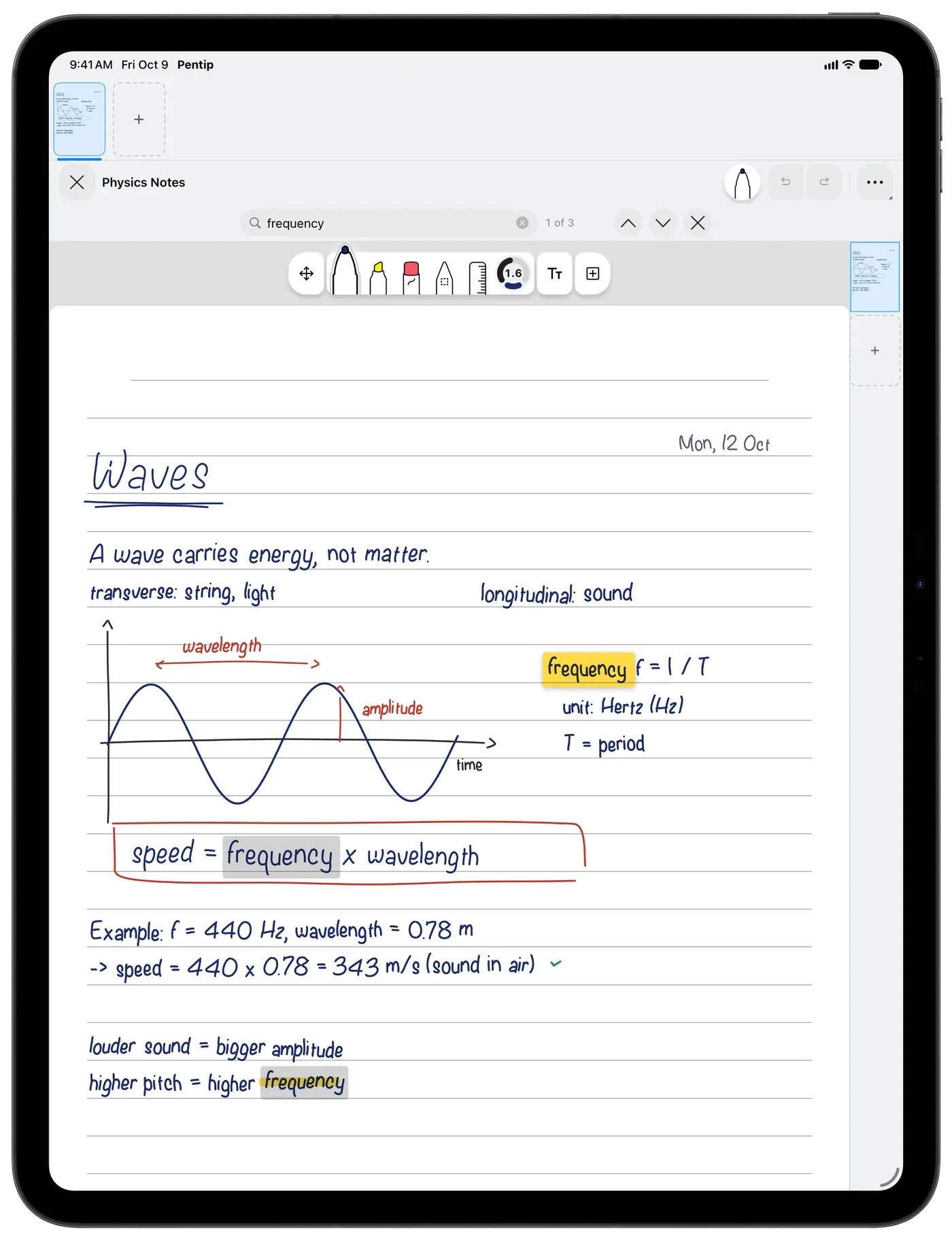
Late at night, and in the group project.
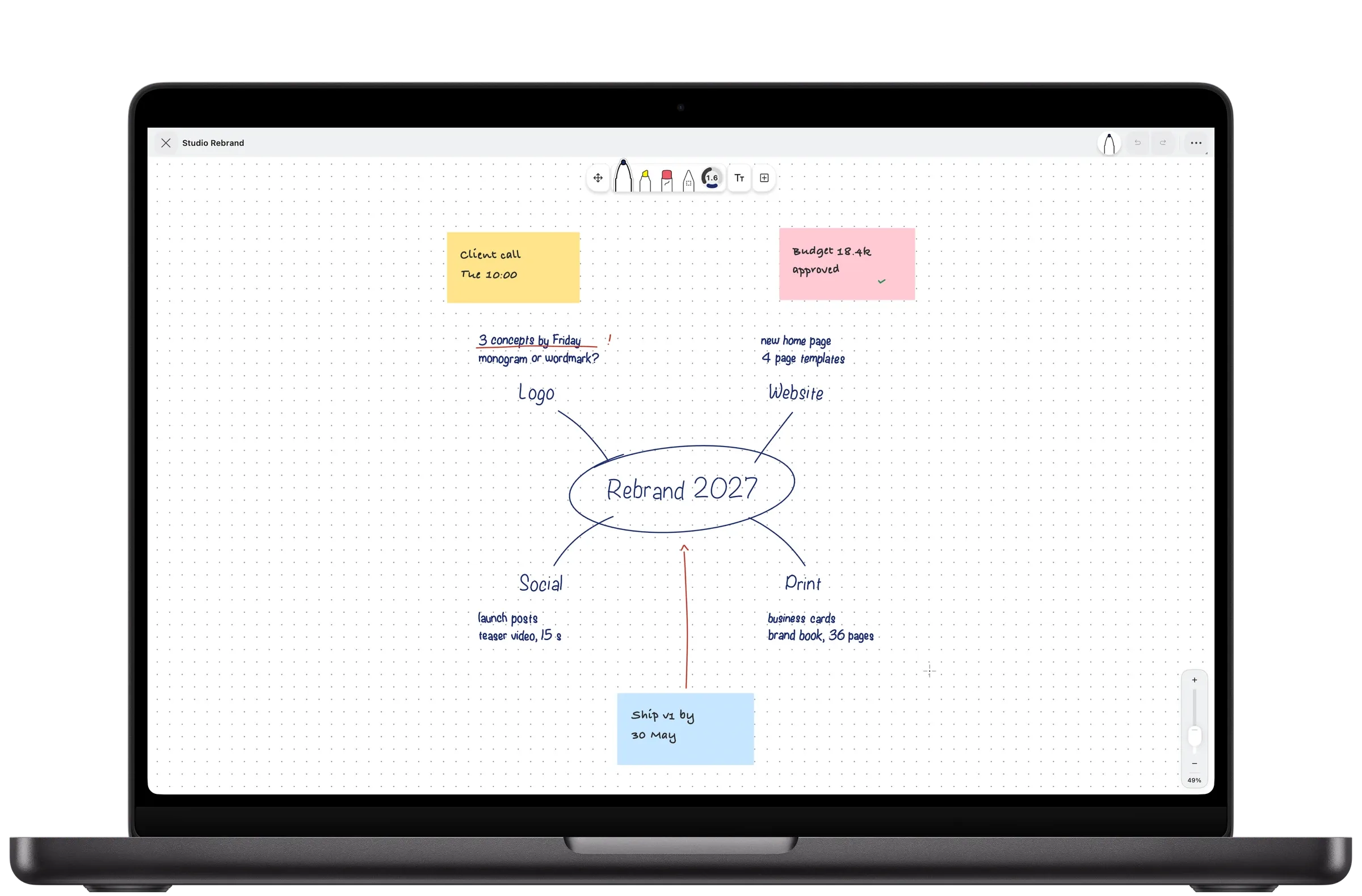
Smart Dark makes white pages dark while you read, and a whiteboard that grows as you draw holds the plan for the whole group.
Good to know.
Is Pentip free for students?
Your first five documents are free. Pentip Pro adds unlimited documents, iCloud sync, export, your own templates and Shape Snap.
Which iPad do I need?
Any iPad that runs iPadOS 18.2 or later. Pentip also runs on iPhone with iOS 18.2 and on Mac with macOS 15.2 or later.
Does Pentip work offline?
Yes. Your documents live on your device, so you can write, study and search without a connection. With Pentip Pro they sync through iCloud when you are back online.
Features
- Handwritten notes Handwriting and typing, on the same page.
- PDF markup Write on any PDF like it’s paper.
- Flashcards Flashcards in your own handwriting.
- Whiteboard A whiteboard that never runs out of room.
- Handwriting search Search your handwriting like typed text.
- Smart Dark Read in the dark. Share in the light.
- Paper templates The right paper for every page.