
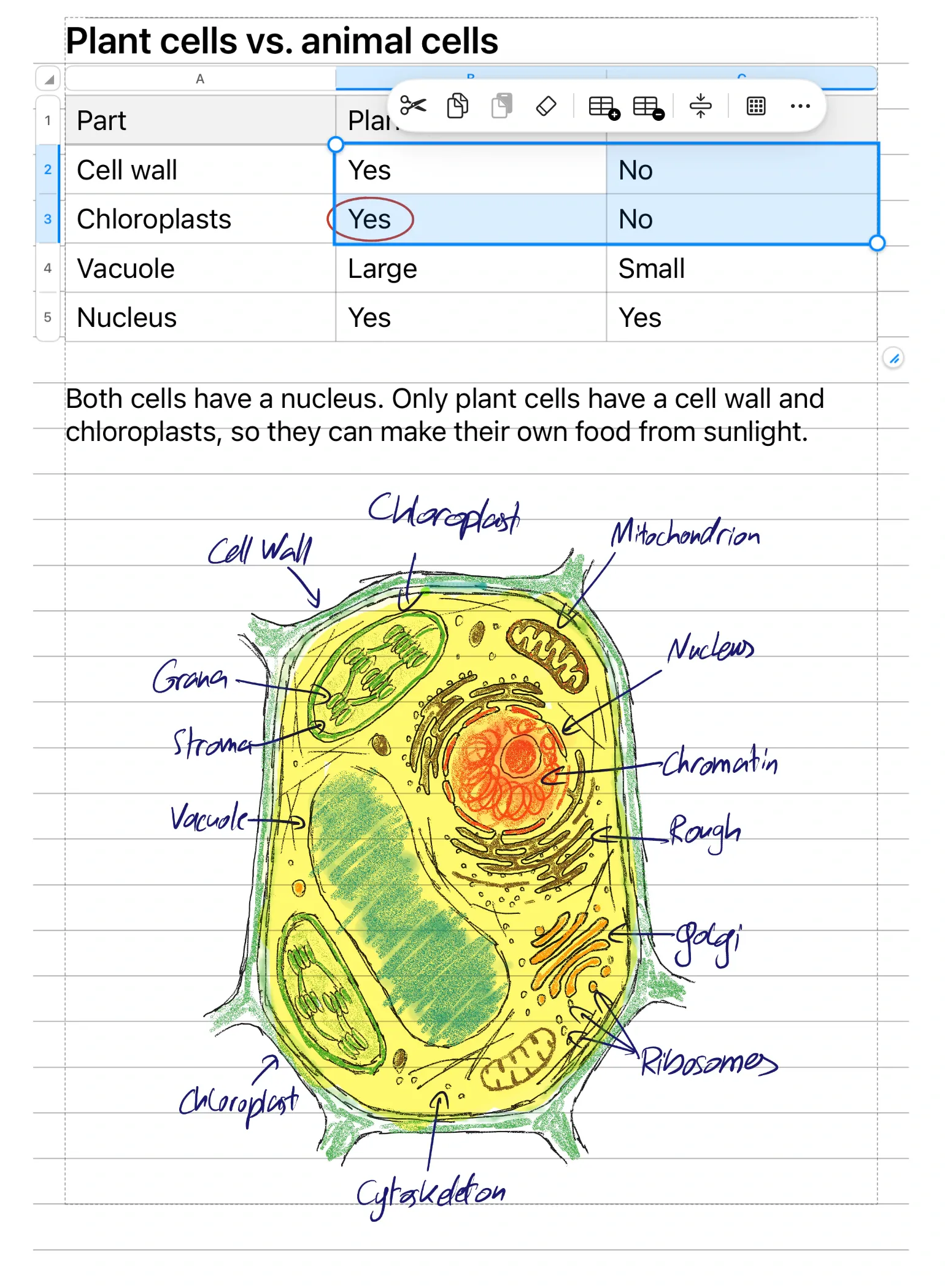






Type and write on the same page.
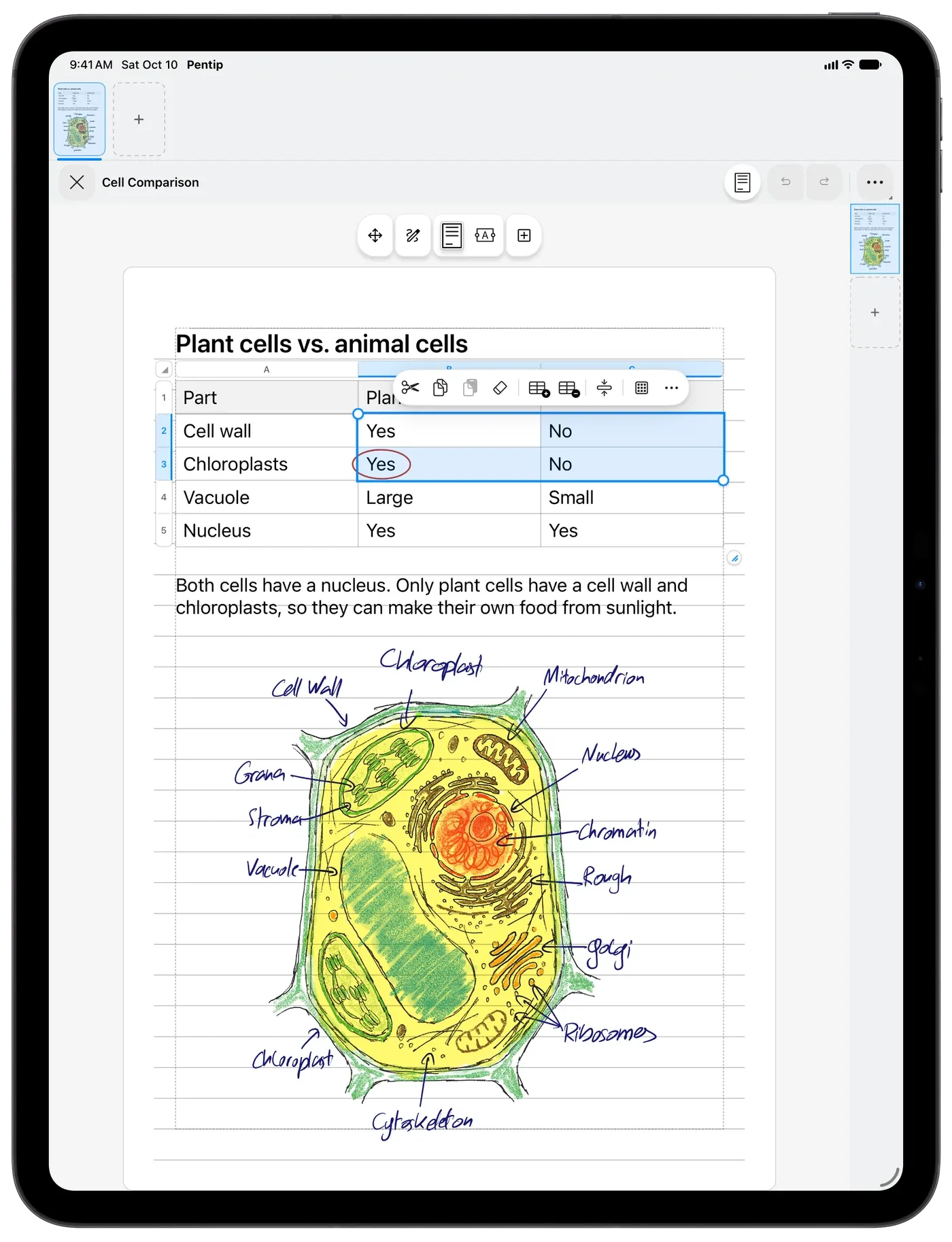
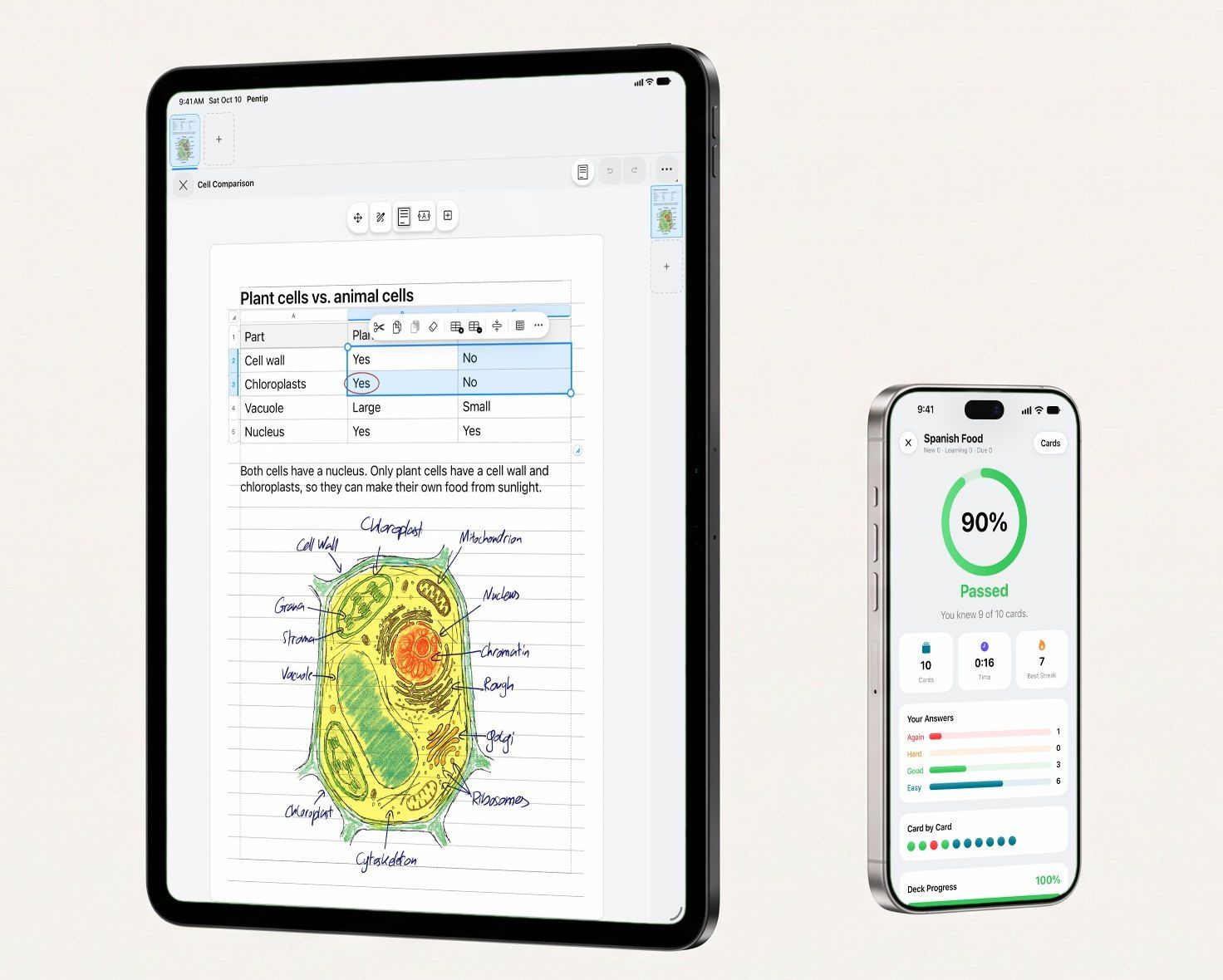
Type straight onto the page, then pick up Apple Pencil and draw right next to your words.
Learn more – Handwritten notes
Pentip 5
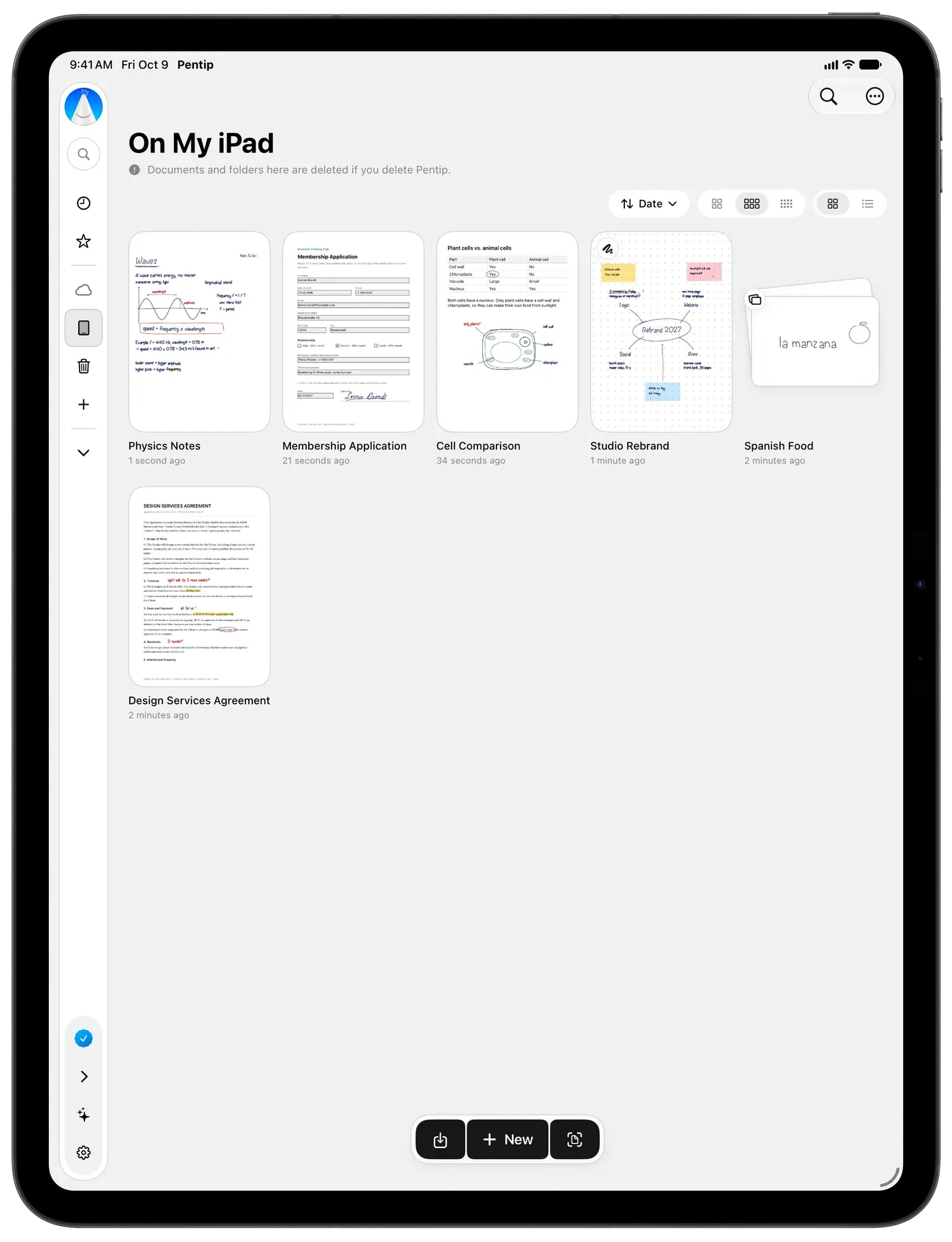
Take notes, mark up PDFs, study with flashcards and think on a whiteboard. Pentip even reads your handwriting.

Free to start. On iPad, iPhone and Mac.
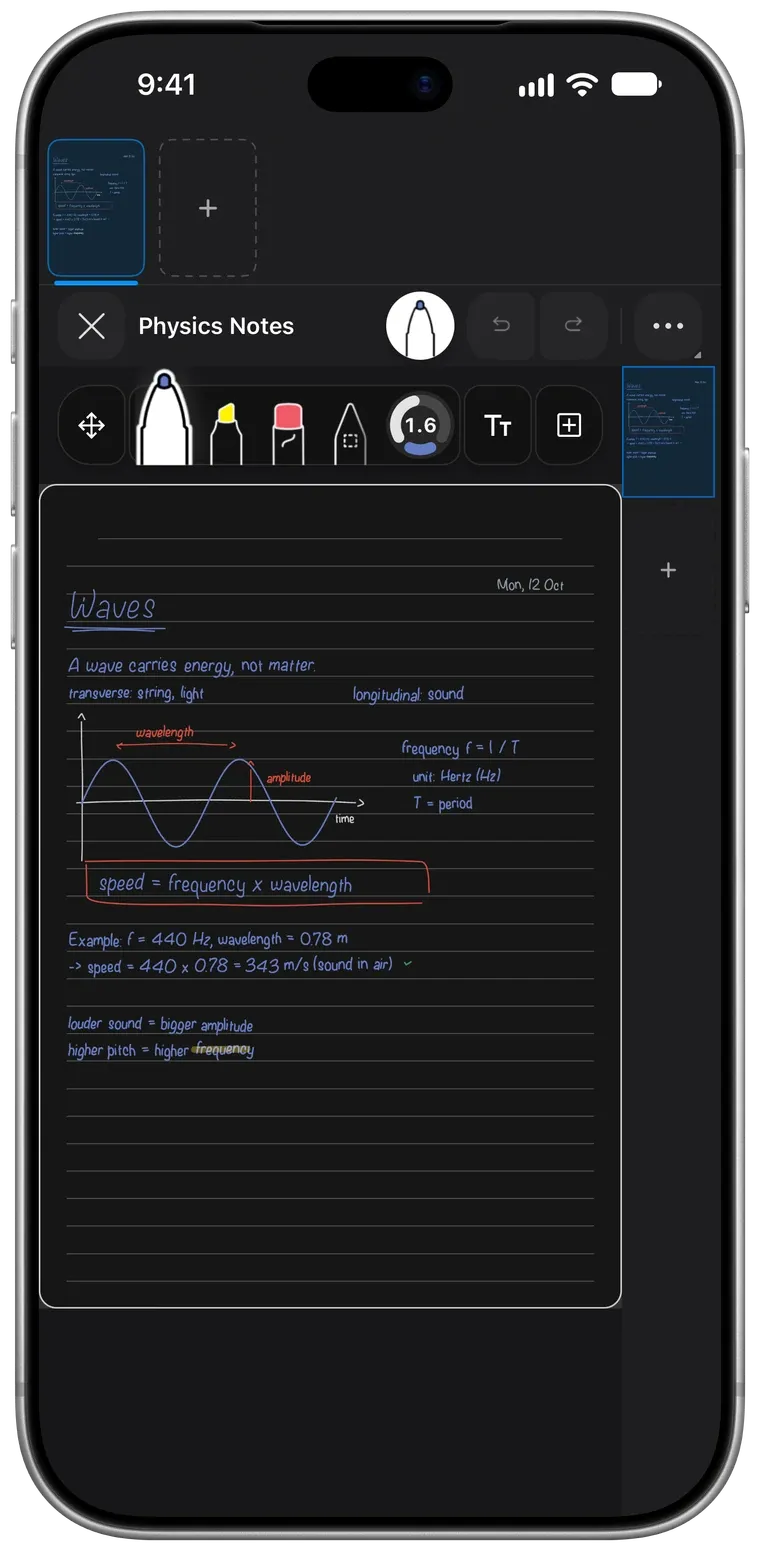
Pick up any thread: it all lives in the same place, and all of it is searchable, your handwriting included.
Type straight onto the page, then pick up Apple Pencil and draw right next to your words.
Learn more – Handwritten notesPentip reads your handwriting, in all ten languages it speaks.
Learn more – Handwriting search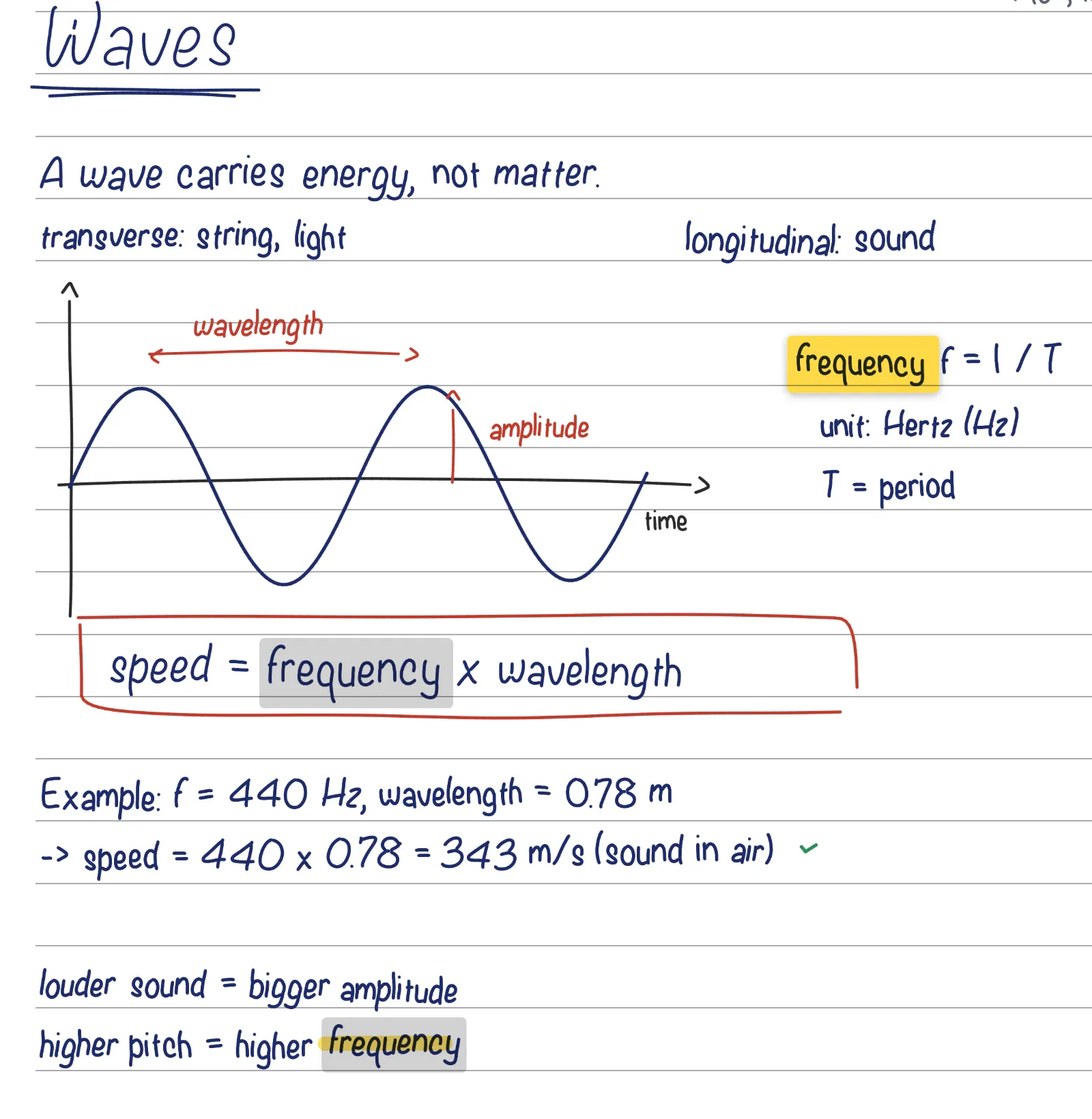
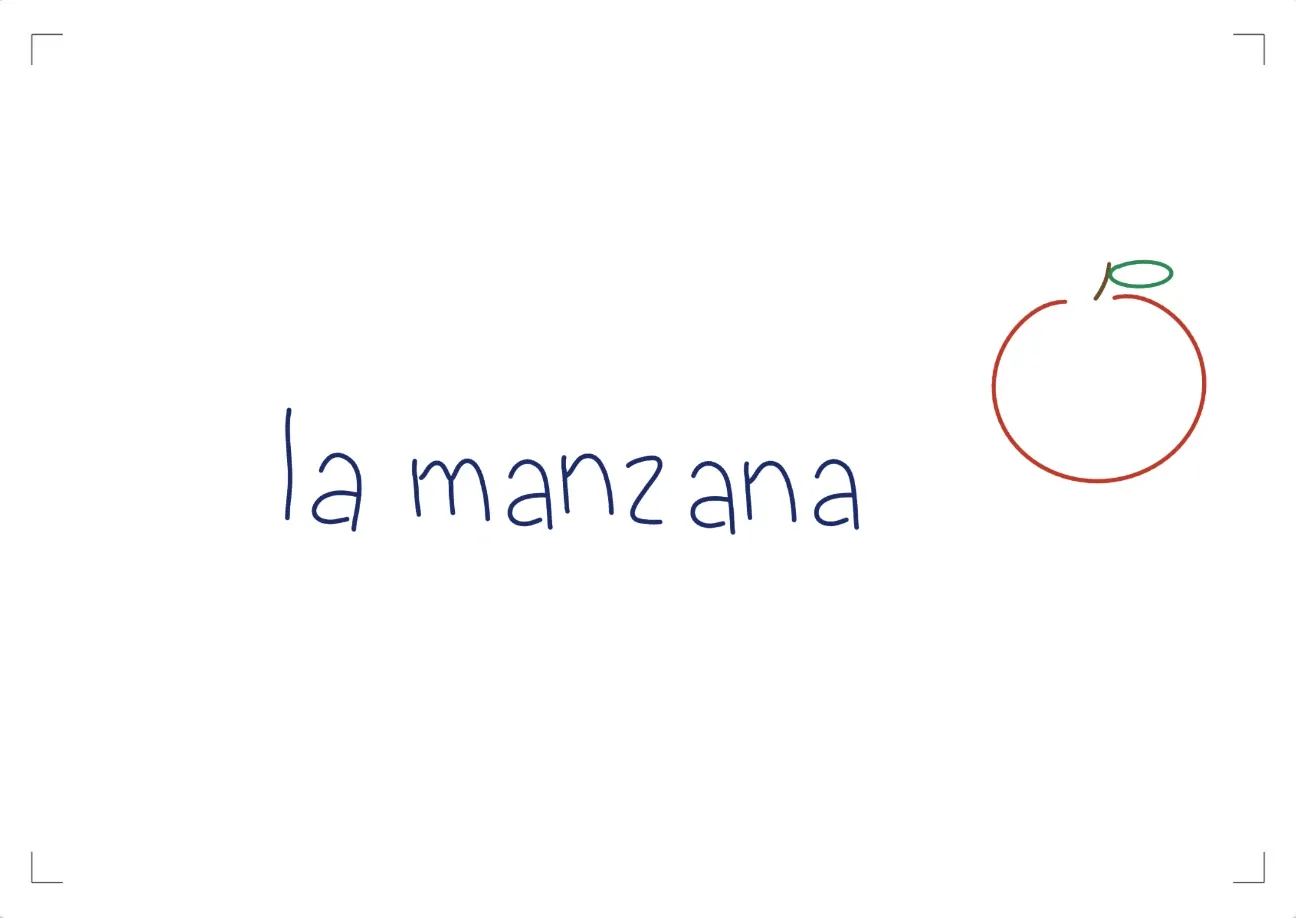
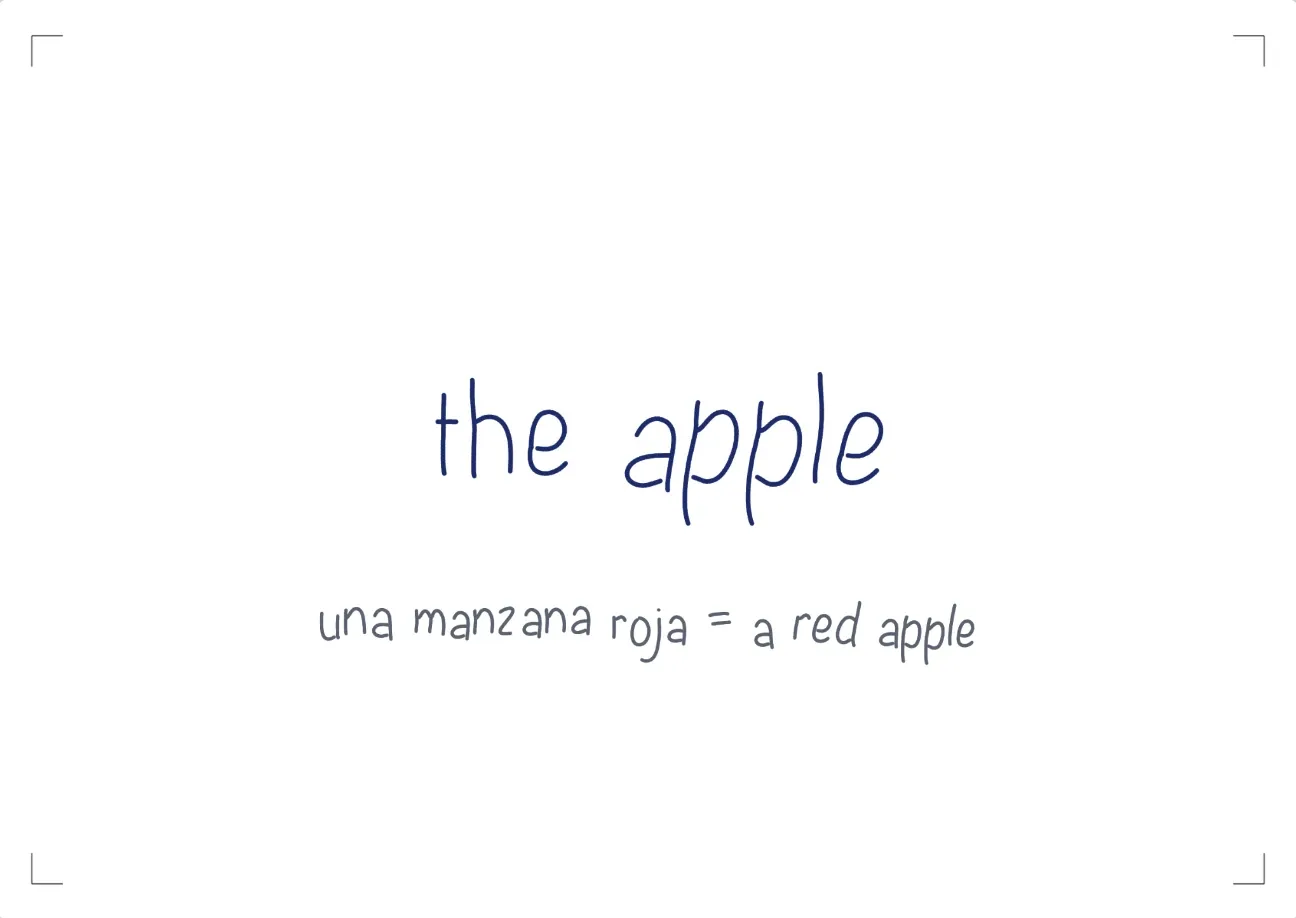
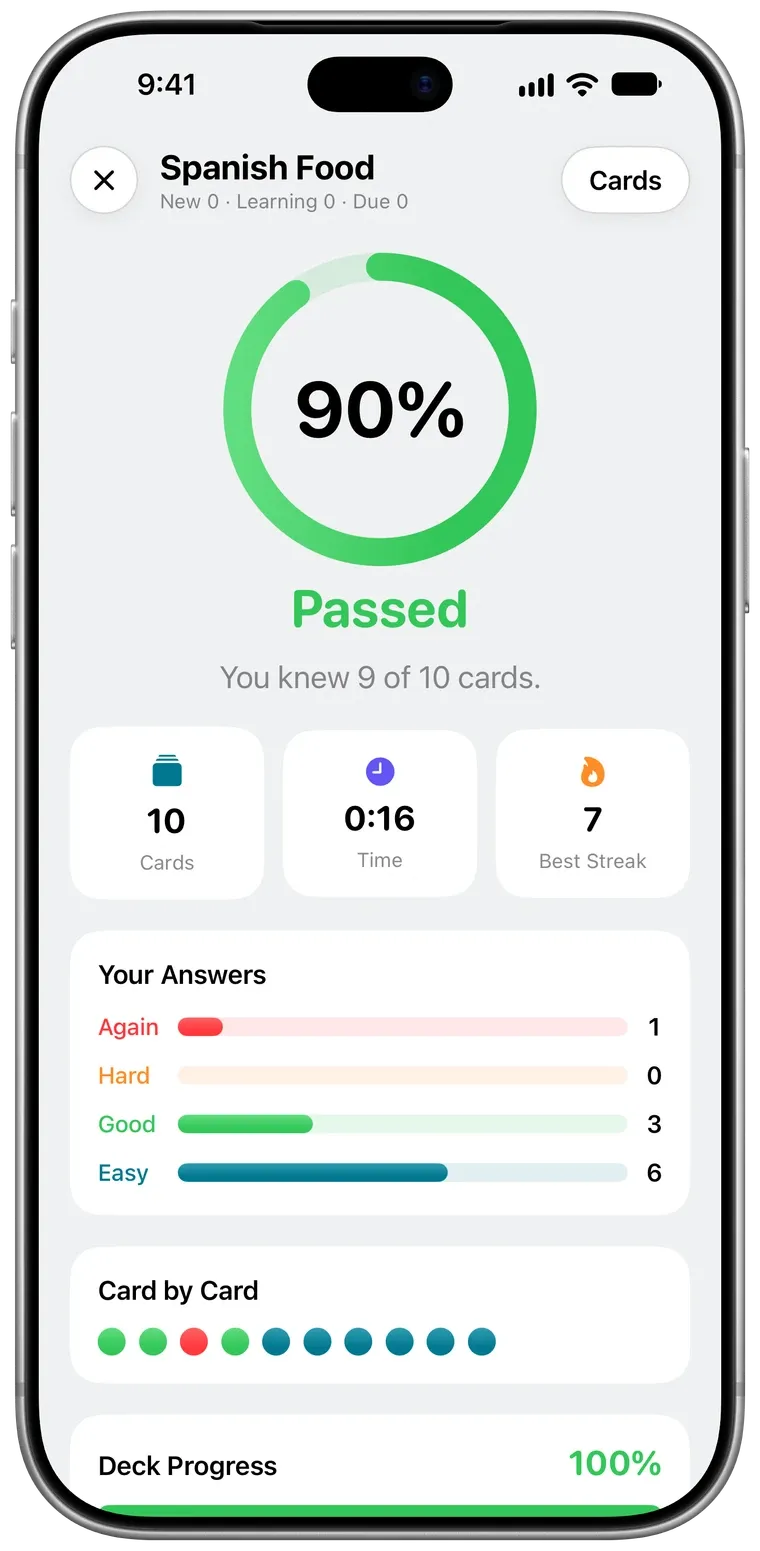
Make a deck and write the front and back by hand, drawings included.
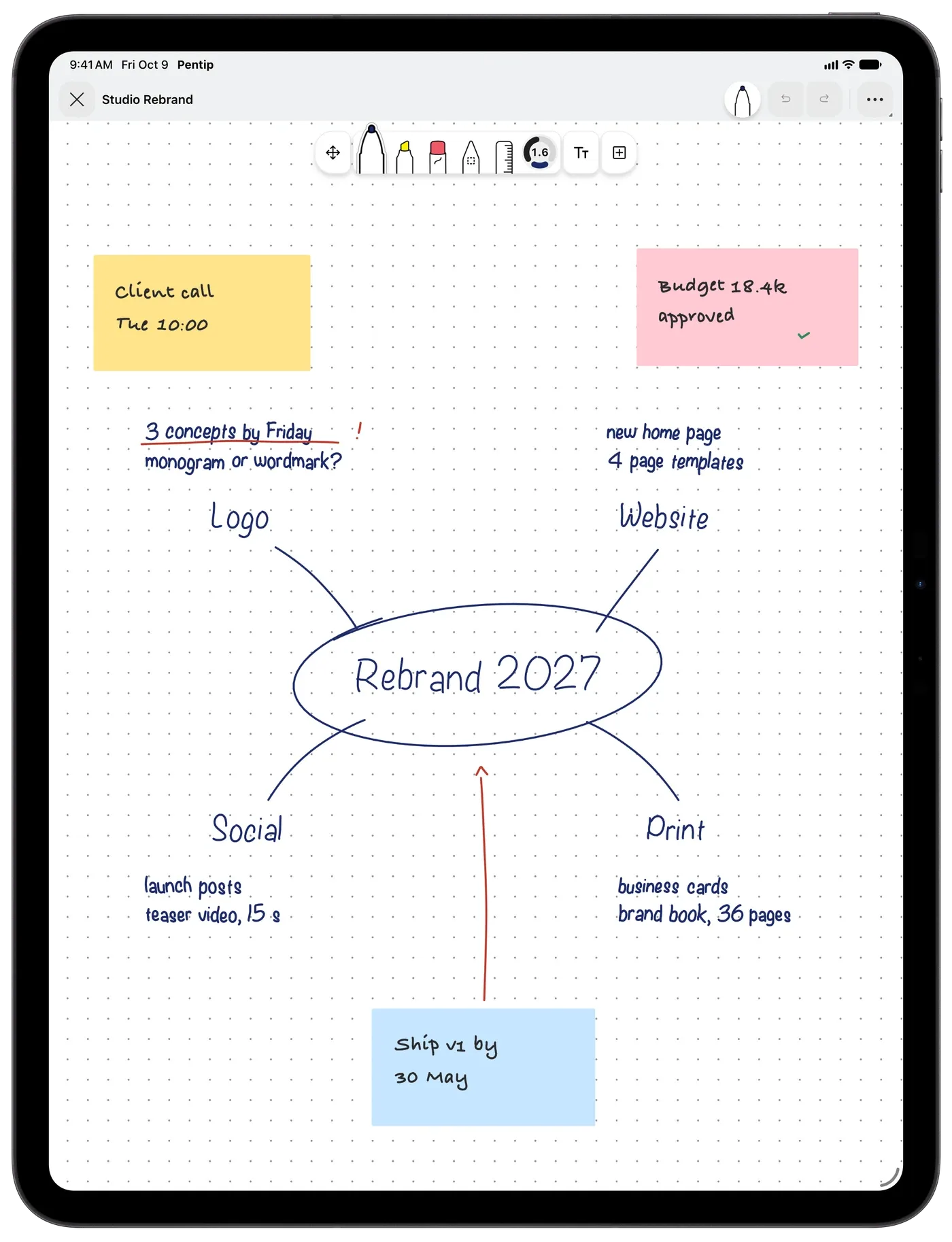
Learn more – FlashcardsStart anywhere and keep going: the board grows as you draw.
Learn more – Whiteboard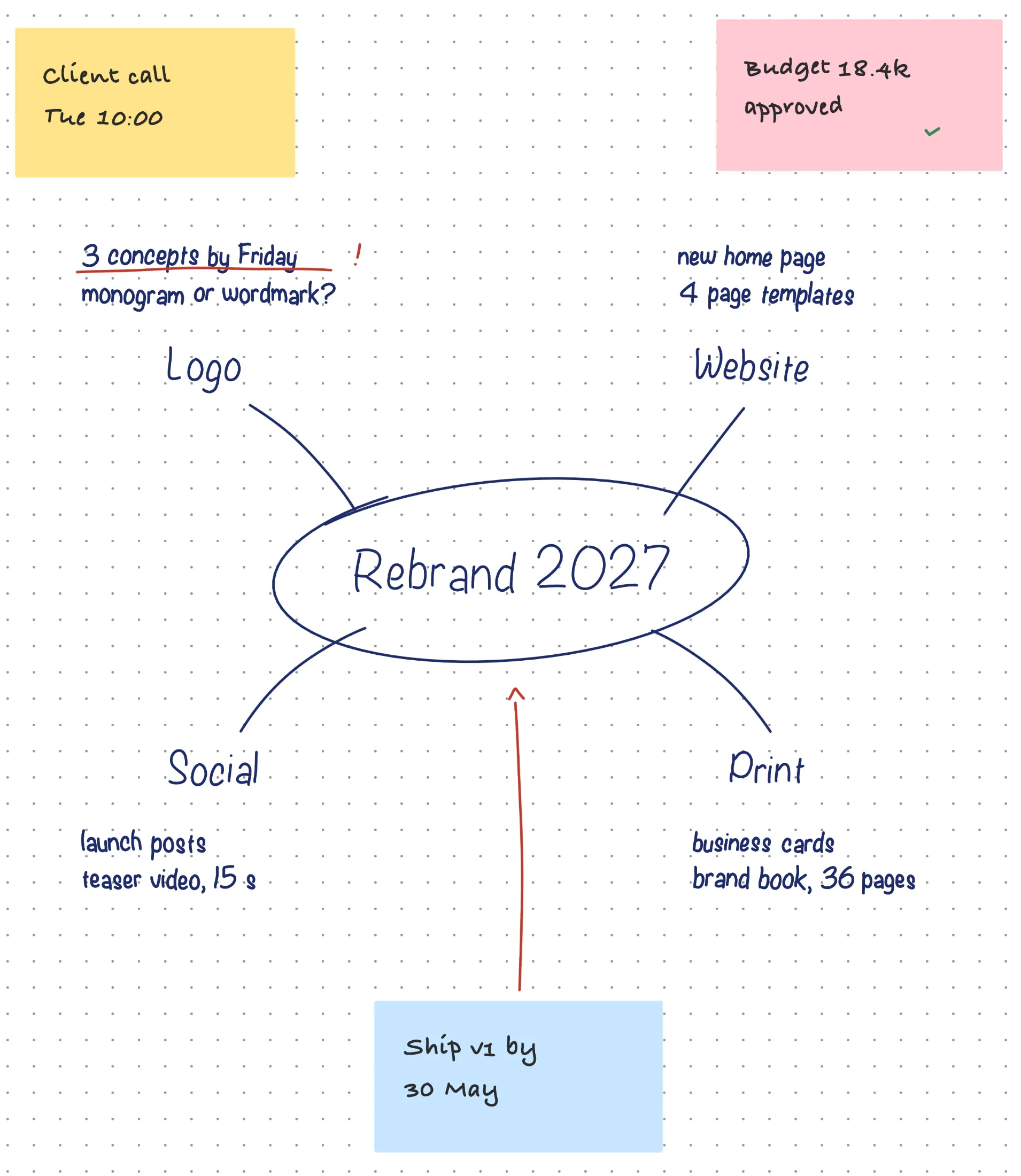
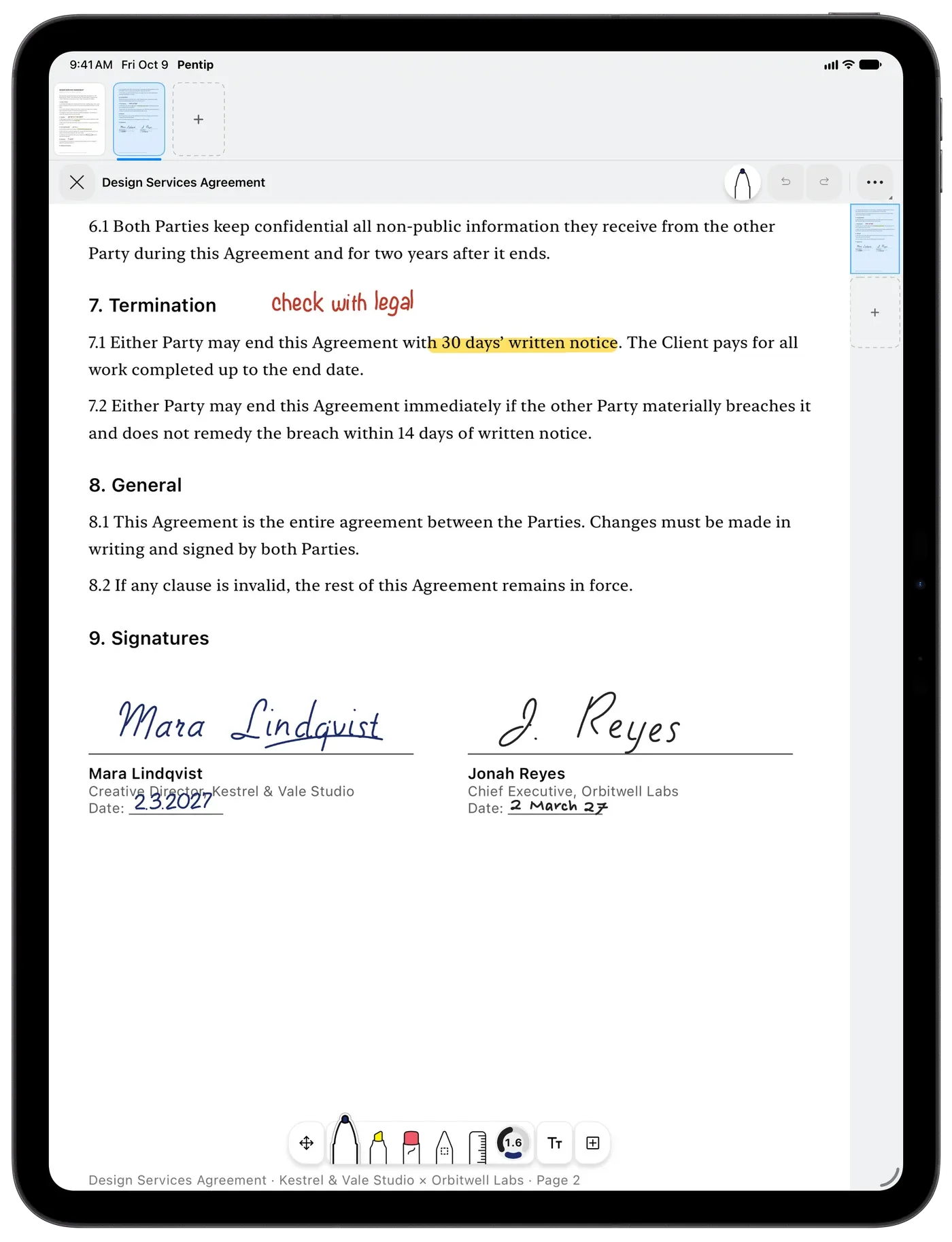
Import a lecture handout or a contract and write on it like paper.
Learn more – PDF markup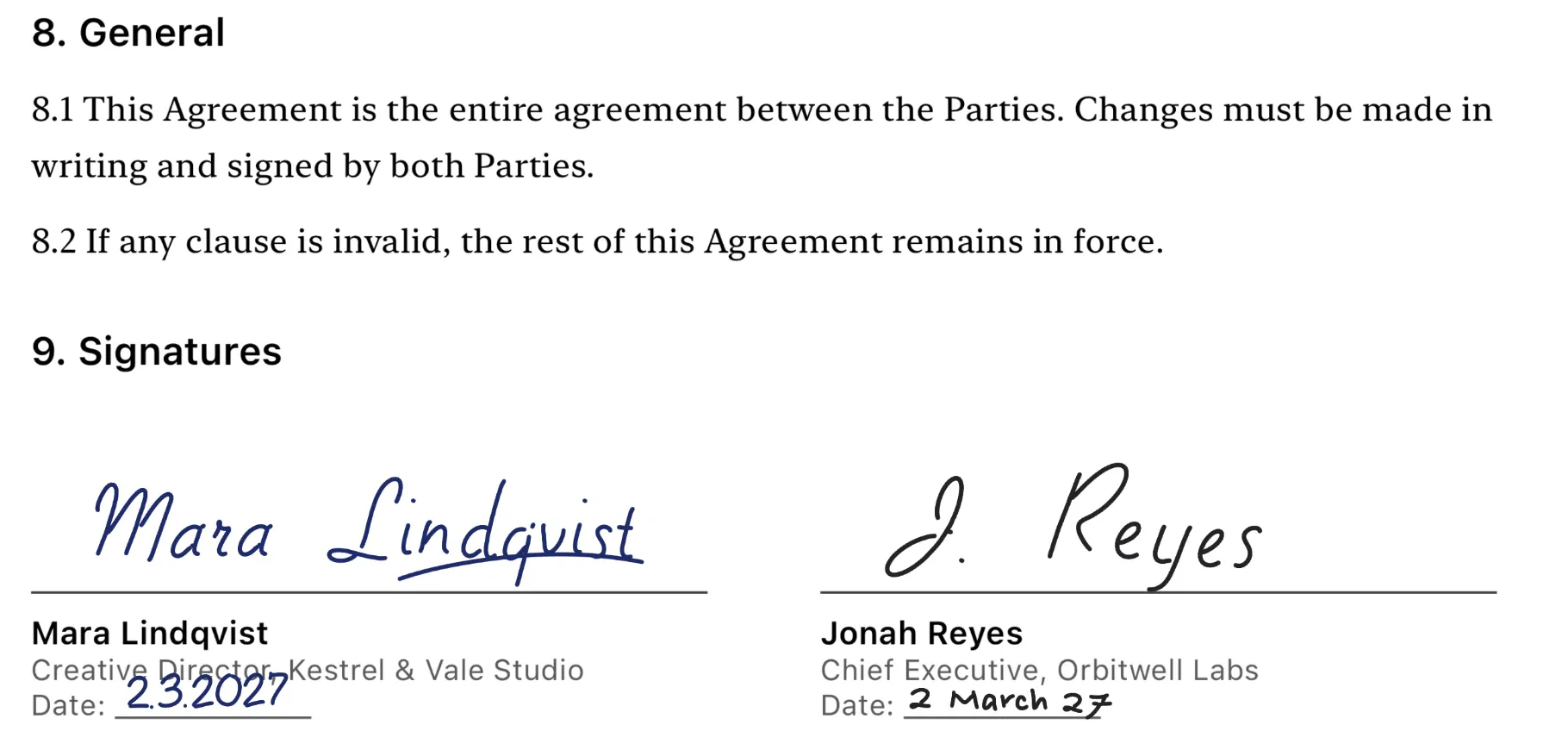
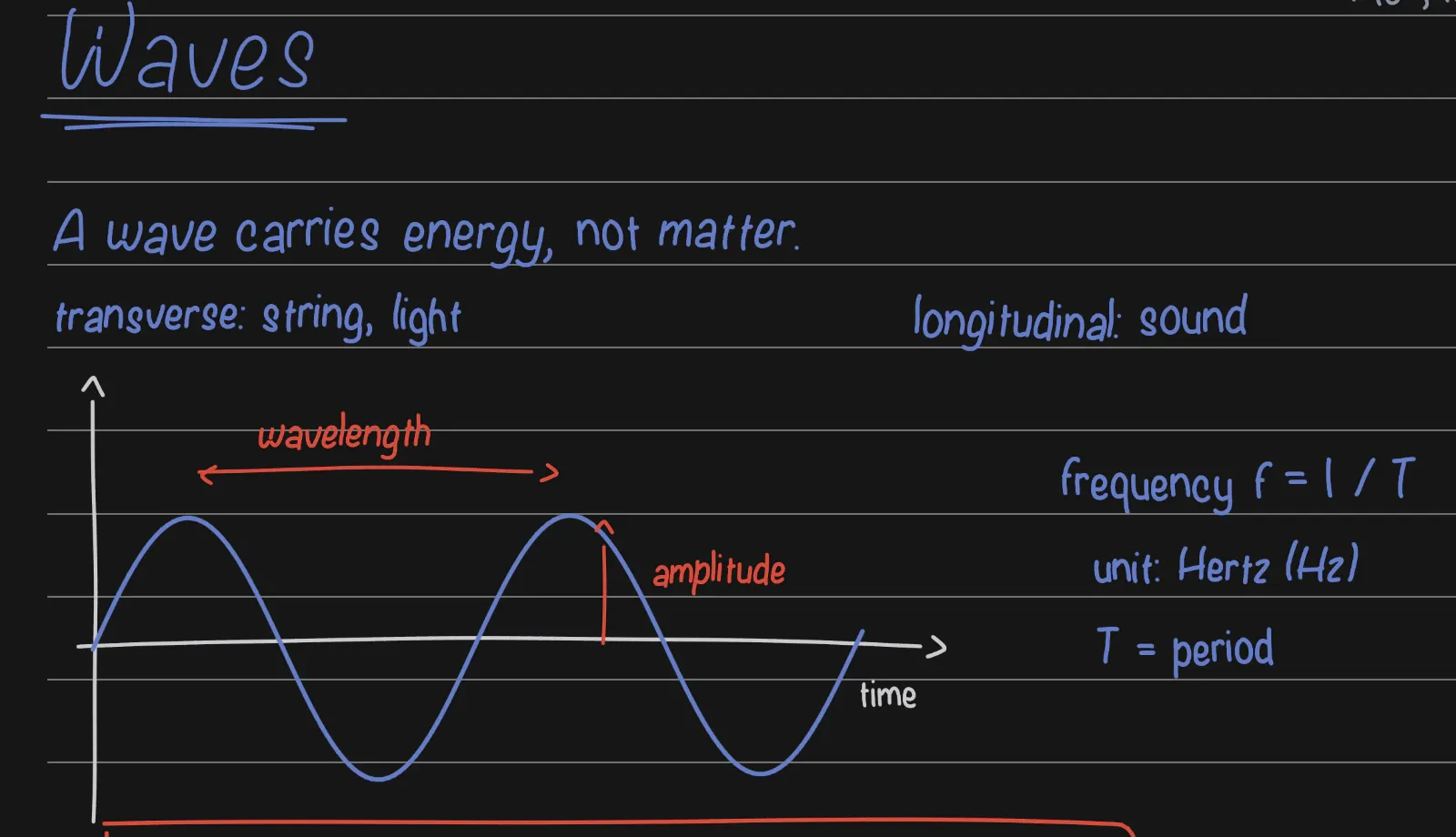
Turn on Smart Dark and a light document is drawn dark while you read and write.
Learn more – Smart Dark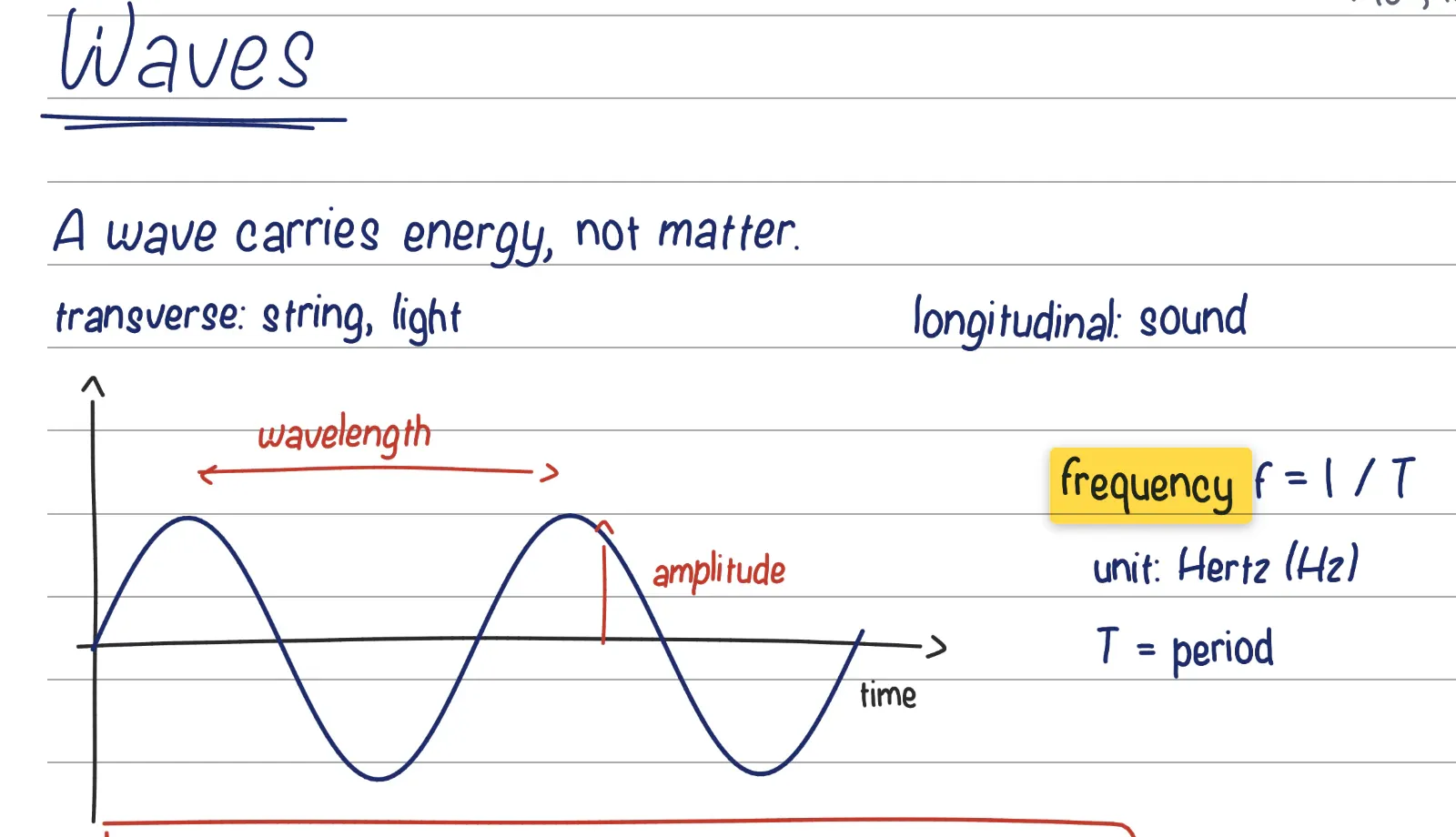
Pressure and tilt in every stroke, a precise eraser, and a palette at the tip when you squeeze Apple Pencil Pro.
Hold at the end of a stroke and it turns into a clean shape.
Draw straight lines and measure any angle.
Lined, Cornell, grid, music, maths, planner, storyboard and more.
Objects snap to each other and to the page, and guides show what lines up.
Five layers, and sections that keep several canvases in one file.
Scan paper pages with the camera straight into your notes.
Create documents, add flashcards and search your notes with your voice.
Read and scroll without drawing by accident, even with Apple Pencil.
Text direction is set per paragraph, so Arabic sits next to English.
Save any document as a PDF or an image.
The same documents on your iPad, iPhone and Mac.
Start with the simplest thing, your first note, and go one step at a time. Every step has a picture of the screen.
Open the guideWrite on iPad, study on iPhone and plan on the Mac. With Pentip Pro, iCloud keeps every document in step on all of them.
No account, no ads, no tracking in the app. Pentip collects no data: your documents live on your device and in your own iCloud.
App Store privacy label
Data Not Collected
Free
Subscription
Billed through the App Store. Cancel any time.
Yes, to start: your first five documents are free. Pentip Pro adds unlimited documents, iCloud sync, export, your own templates and Shape Snap, billed through the App Store.
Yes. Pressure and tilt shape every stroke, and on Apple Pencil Pro a squeeze opens a palette at the tip. With Pentip Pro, a stroke you hold at the end snaps into a clean shape. On iPhone you write with your finger.
Yes. Search finds handwritten words in all ten languages Pentip speaks, Arabic and Turkish included, as well as typed text, the text in PDFs and the values in form fields.
Yes. Import a PDF, write on it, type into its form fields and sign it. You can also scan paper pages with the camera. Exporting the result is part of Pentip Pro.
iPad and iPhone with iPadOS or iOS 18.2 or later, and Mac with macOS 15.2 or later.
Yes, with Pentip Pro. Your documents sync through your own iCloud, so they are on your iPad, iPhone and Mac.
No. There is no account and no tracking in the app, and its App Store privacy label says Data Not Collected. Your documents stay on your device and in your iCloud.
English, Arabic, Dutch, French, German, Italian, Polish, Russian, Spanish and Turkish.

Pentip is free to download on the App Store.