
Handwriting and typing, on the same page.
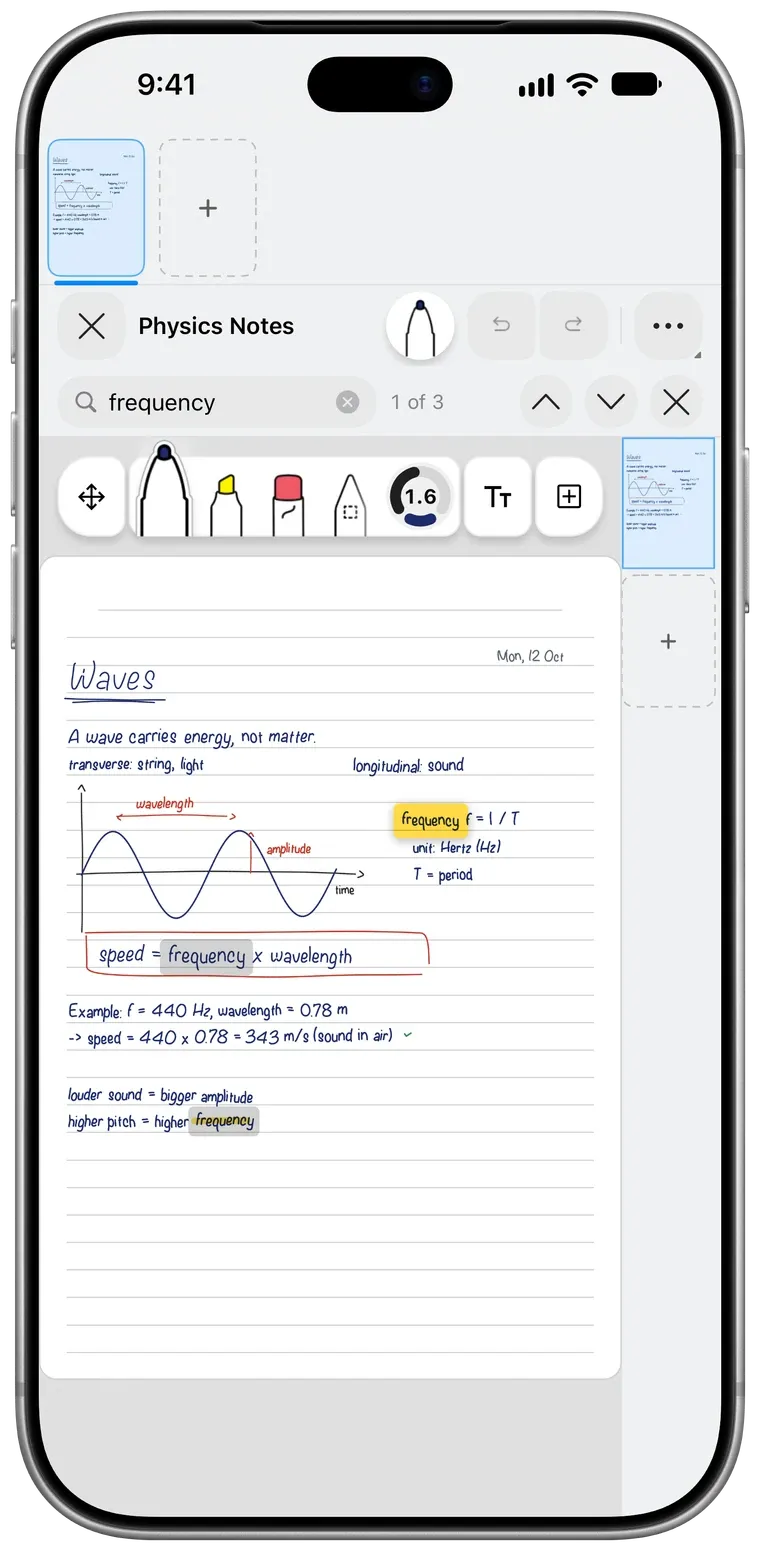
Pentip is a notebook for people who write some notes by hand and type the rest. Apple Pencil draws, the keyboard types where the cursor is, and your finger scrolls. There is no mode to switch.

Free to start. On iPad, iPhone and Mac.
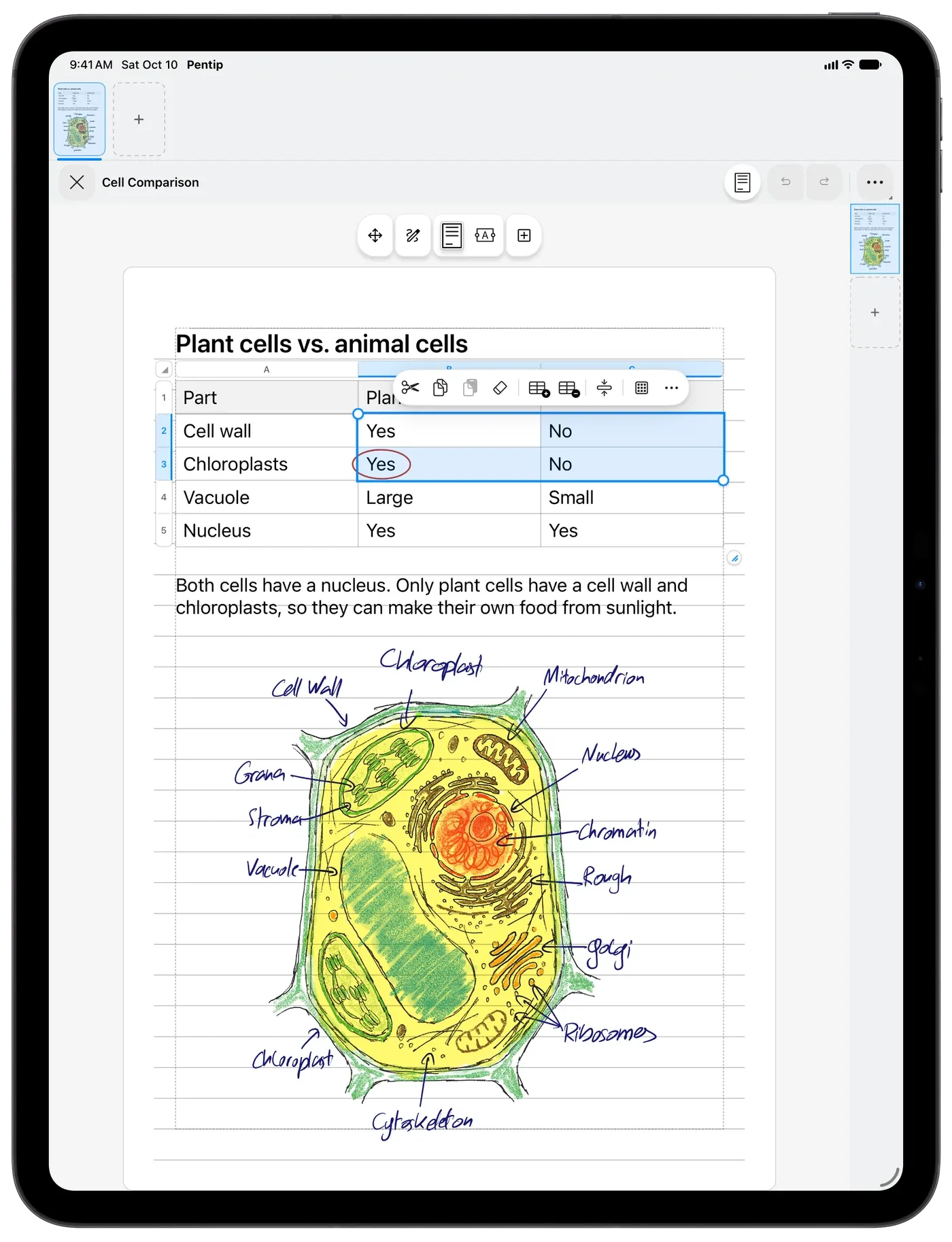
Your drawings stay with your words.
Every stroke remembers the line of text it was drawn beside. Come back weeks later, add a paragraph, and the arrow you drew still points at the same sentence, even after that sentence has moved to the next page.
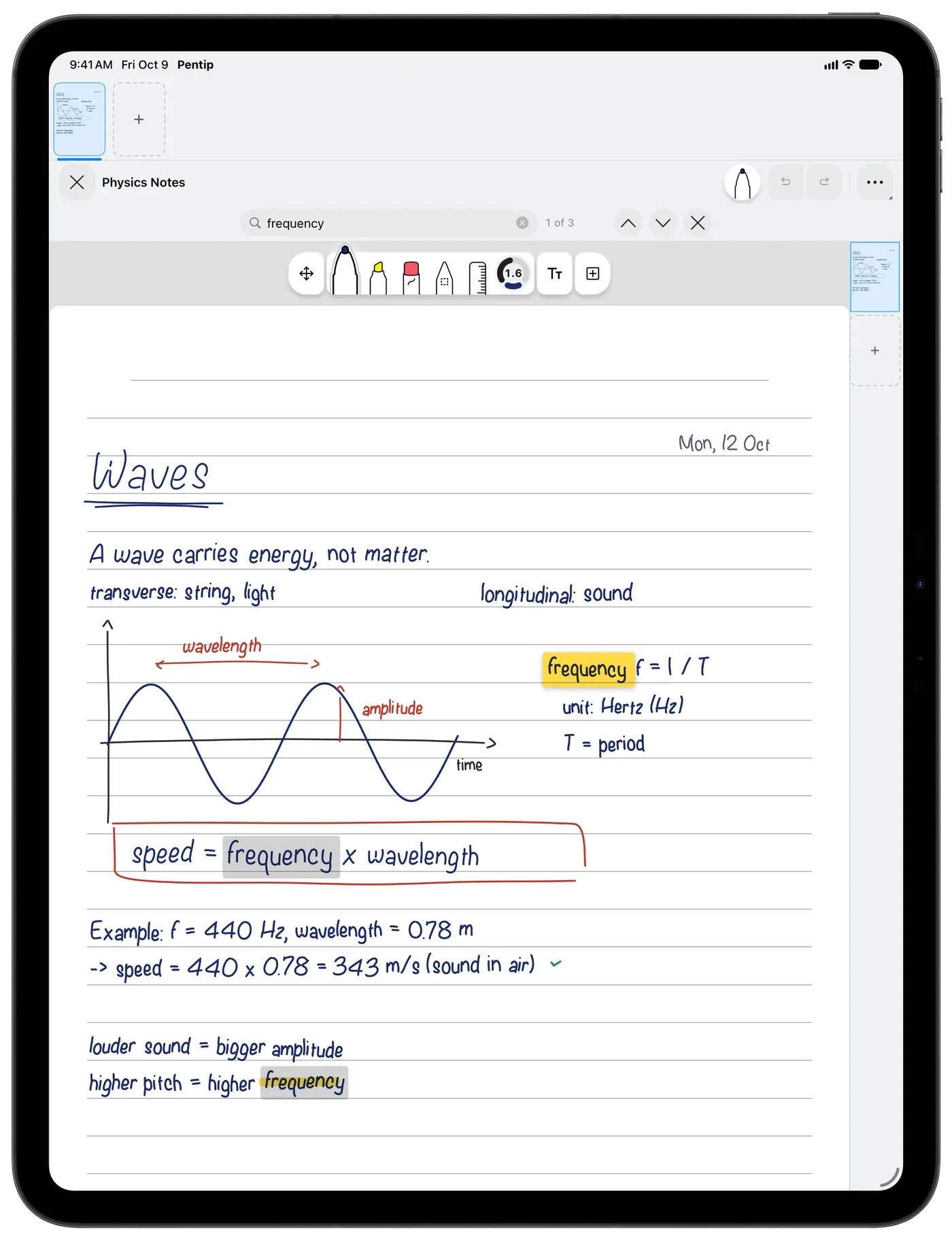
Pens that feel like paper.
Pen, brush, highlighter and a precise eraser, all with Apple Pencil pressure and tilt. Draw straight lines with the ruler, or turn it into a protractor to measure an angle. Squeeze Apple Pencil Pro and a palette of colours and sizes opens right at the tip. With Pentip Pro, a stroke you hold at the end snaps into a clean shape.
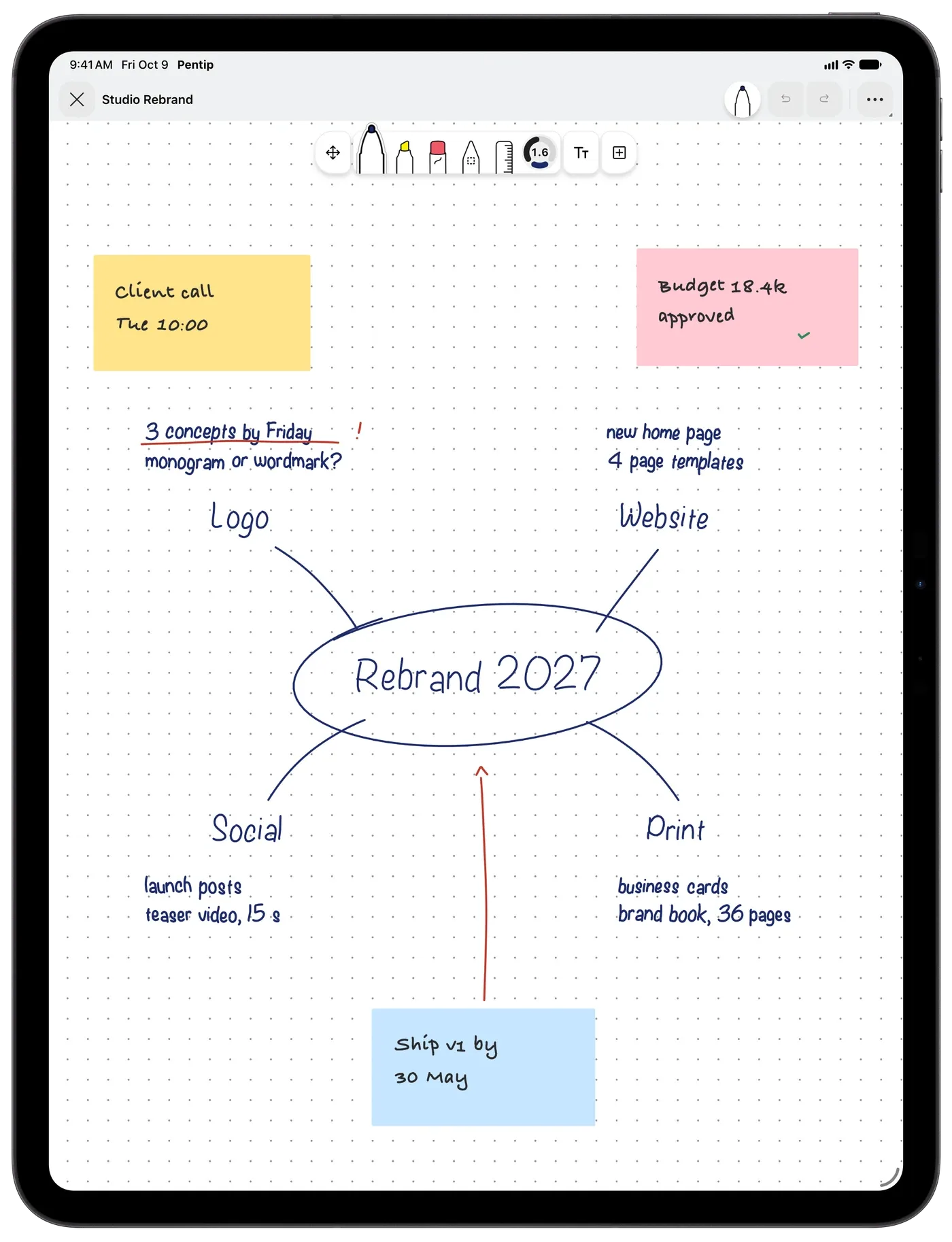
Room for long notes.
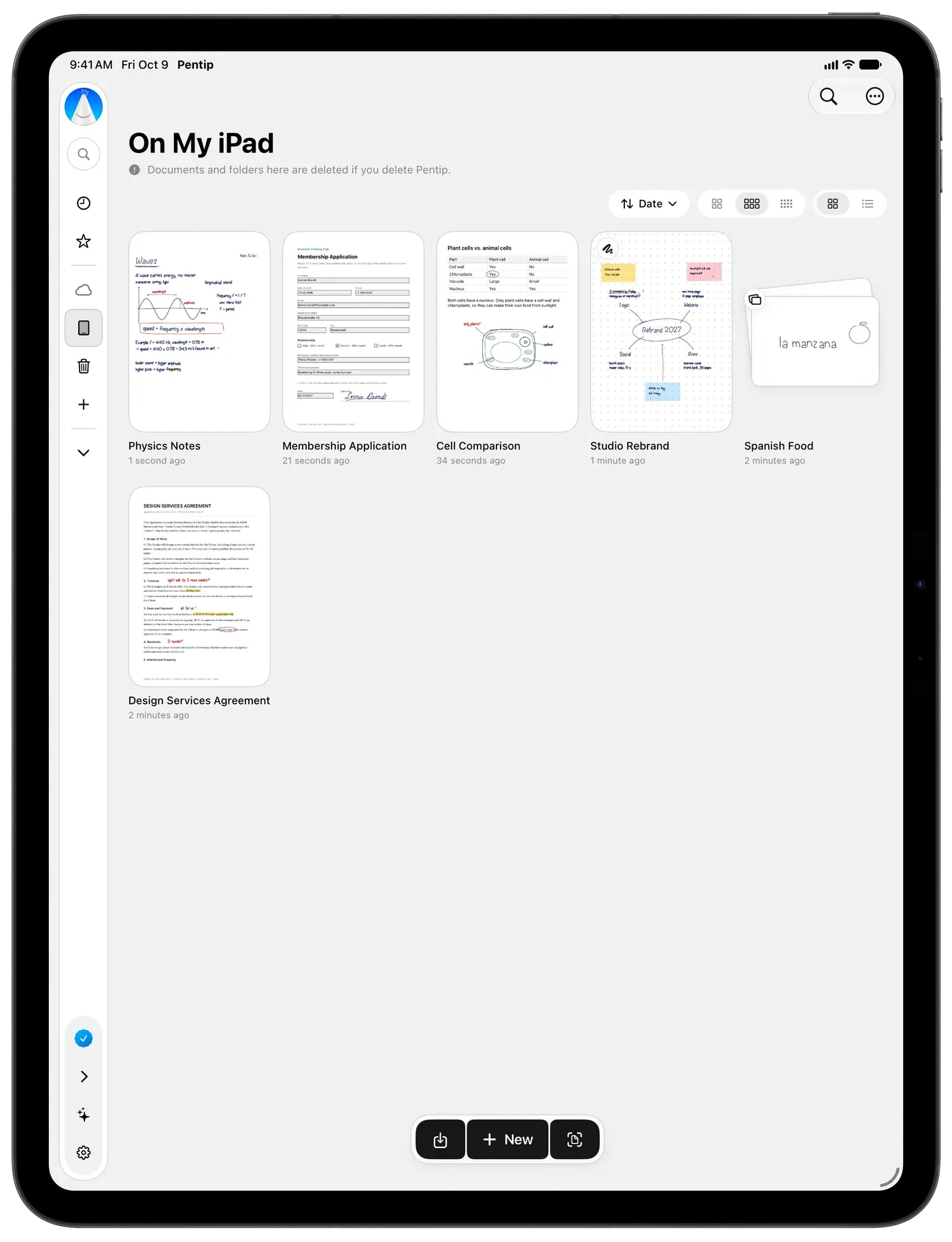
Notebooks of any length, 27 paper templates, five layers, and sections that keep several canvases in one file. Star the notebooks you use most and they gather on a Favorites page.
On iPhone, with your finger.
On iPhone, switch on drawing with your finger and write with one finger; switch it off and that finger scrolls again. With Pentip Pro, iCloud keeps the same notes on your iPad, iPhone and Mac.
Good to know.
Do I need an Apple Pencil?
On iPad, Pentip is made for Apple Pencil, with pressure and tilt. On iPhone you write with your finger, and on Mac you can draw with the mouse or trackpad.
Can I type and handwrite in the same note?
Yes. Typed text flows from page to page like in a word processor, and you can write and draw with Apple Pencil anywhere on the same page.
Is there a page limit?
No. A notebook can be as long as you need. The free version covers your first five documents, however many pages they have.
Can I export my handwritten notes?
Yes. With Pentip Pro you can export any document as a PDF or as an image.
Features
- PDF markup Write on any PDF like it’s paper.
- Flashcards Flashcards in your own handwriting.
- Whiteboard A whiteboard that never runs out of room.
- Handwriting search Search your handwriting like typed text.
- Smart Dark Read in the dark. Share in the light.
- Paper templates The right paper for every page.
- For students From the first lecture to the last exam.