
Search your handwriting like typed text.
The notes you wrote by hand months ago are finally findable. Pentip recognises your handwriting from the ink itself, so search finds it next to everything you typed.

Free to start. On iPad, iPhone and Mac.
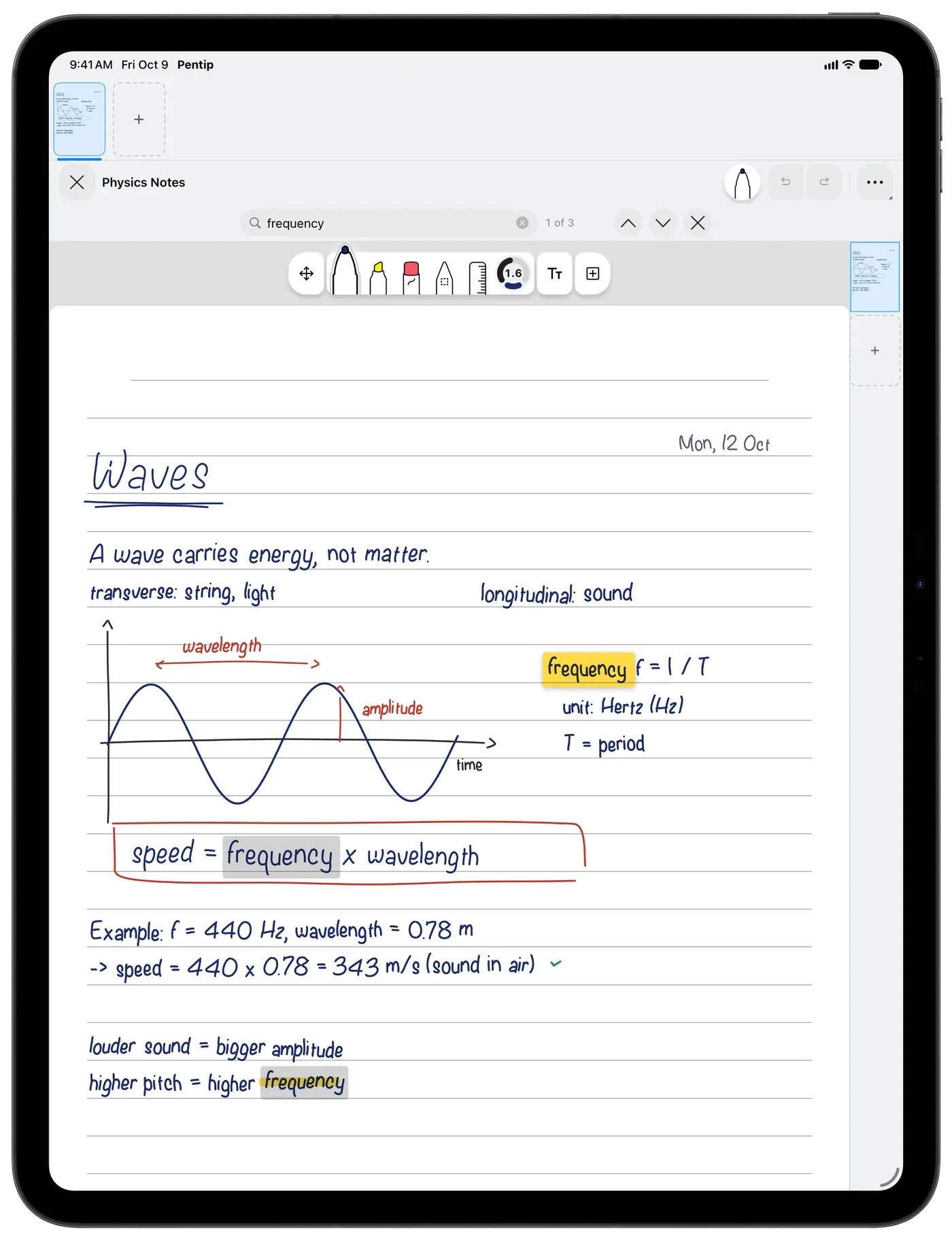
One search for everything.
Search your whole library, or find every match in the document you have open and jump straight to it. Pentip looks in:
- Your handwriting
- Typed text on the page
- Floating text frames
- The text inside imported PDFs
- What you typed into PDF form fields
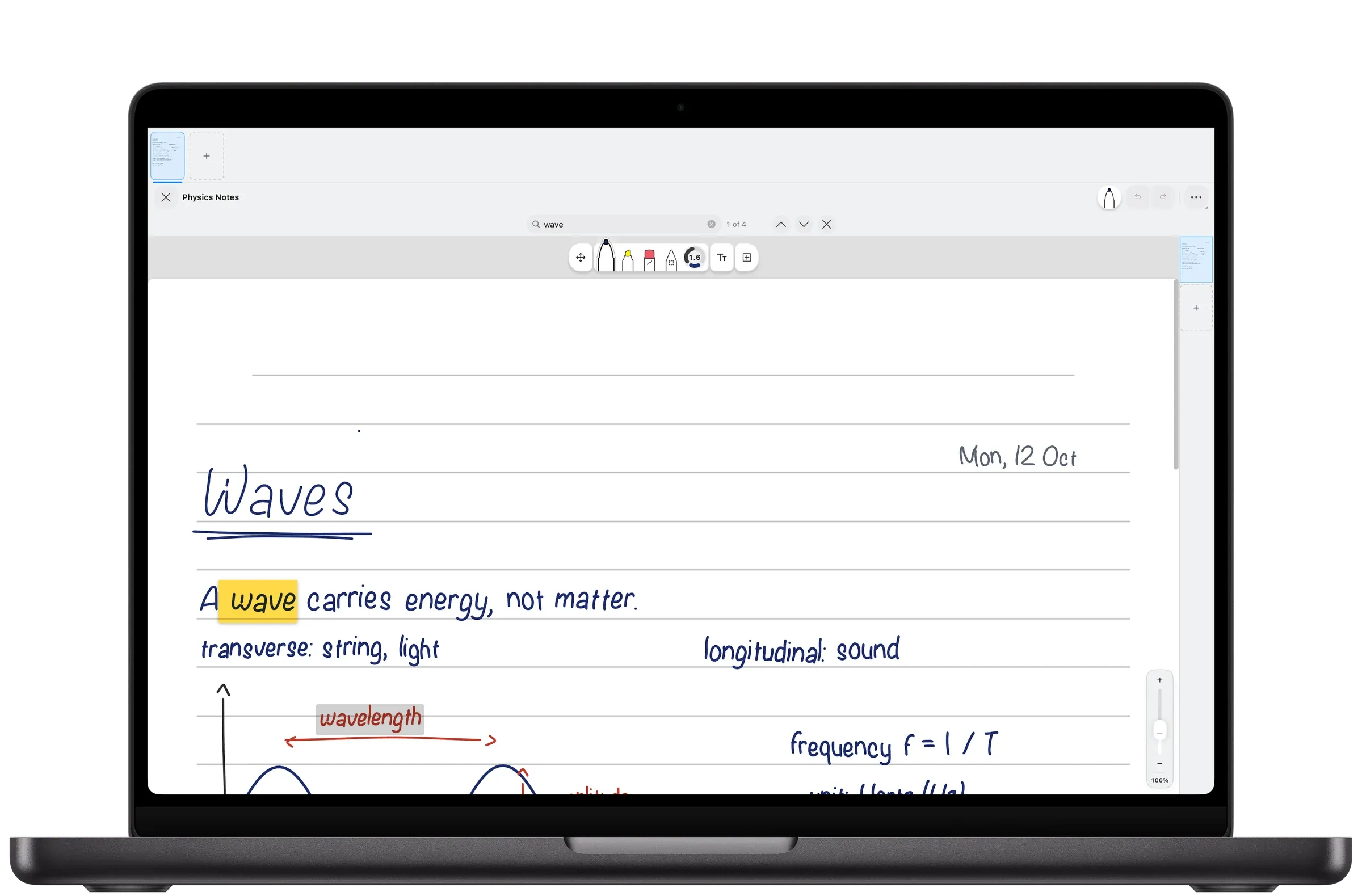
Ten languages, right to left included.
Handwriting is recognised in all ten languages Pentip speaks: English, Arabic, Dutch, French, German, Italian, Polish, Russian, Spanish and Turkish.
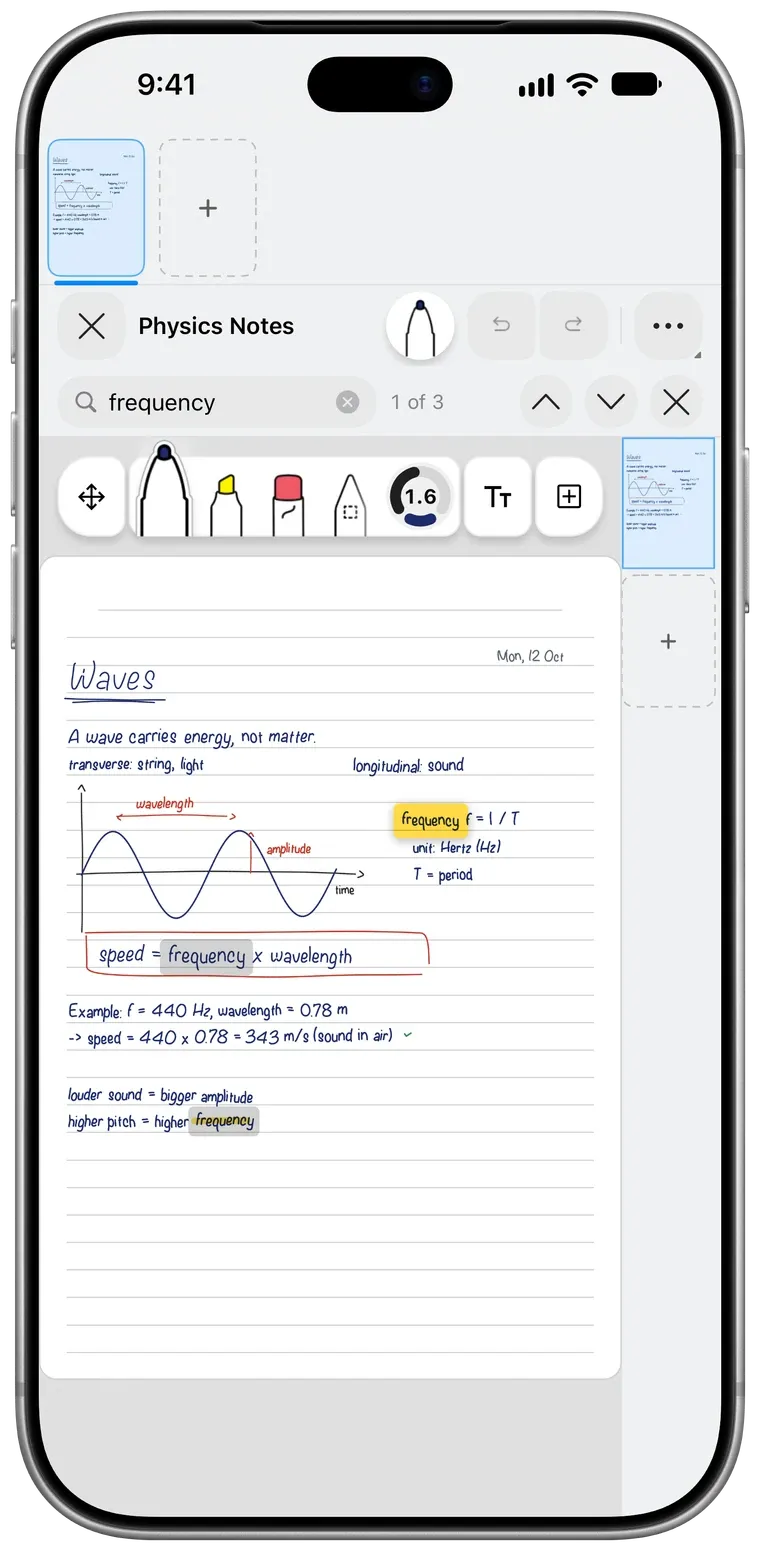
Free, and part of every notebook.
Searching costs nothing extra. Your handwriting becomes searchable in every document, whether you are on iPad, iPhone or Mac.
Good to know.
Can Pentip search handwritten notes?
Yes. Pentip recognises your handwriting, so search finds handwritten words just like typed ones and jumps straight to them.
Which languages does handwriting search support?
All ten languages Pentip speaks: English, Arabic, Dutch, French, German, Italian, Polish, Russian, Spanish and Turkish.
Does search look inside PDFs?
Yes. It searches the text inside imported PDFs and the values you typed into their form fields, together with your notes.
Does handwriting search cost extra?
No. Search, handwriting included, is part of Pentip at no extra cost.
Features
- Handwritten notes Handwriting and typing, on the same page.
- PDF markup Write on any PDF like it’s paper.
- Flashcards Flashcards in your own handwriting.
- Whiteboard A whiteboard that never runs out of room.
- Smart Dark Read in the dark. Share in the light.
- Paper templates The right paper for every page.
- For students From the first lecture to the last exam.