
Flashcards in your own handwriting.
Writing a card by hand is already half the learning. Pentip turns it into a deck you can study anywhere: write the front and the back with Apple Pencil, add a drawing, and test yourself.

Free to start. On iPad, iPhone and Mac.
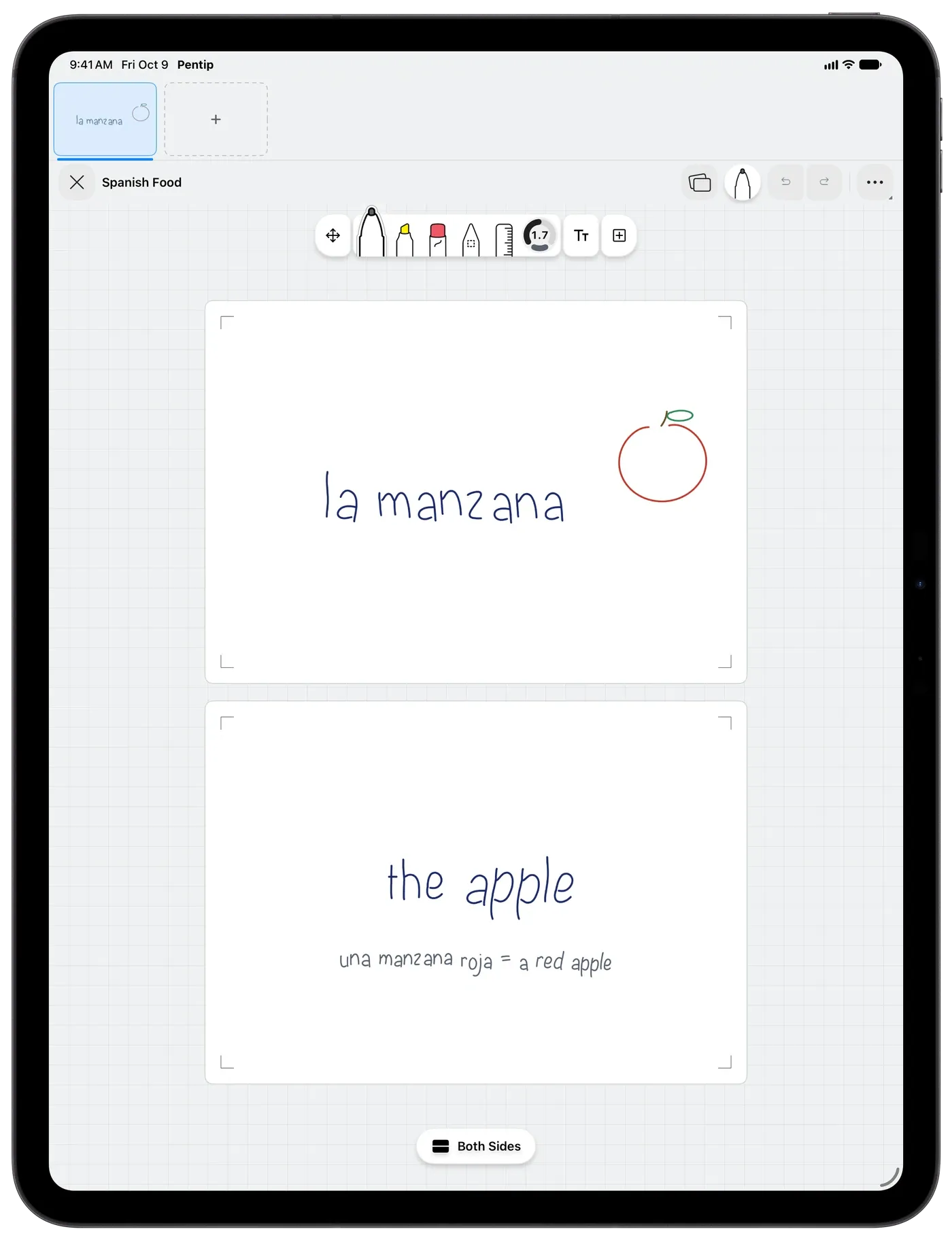
Study the way you like.
Go through a deck in order, or shuffle it. Flip each card, then say how it went: Again, Hard, Good or Easy. The cards you find hard come back sooner.
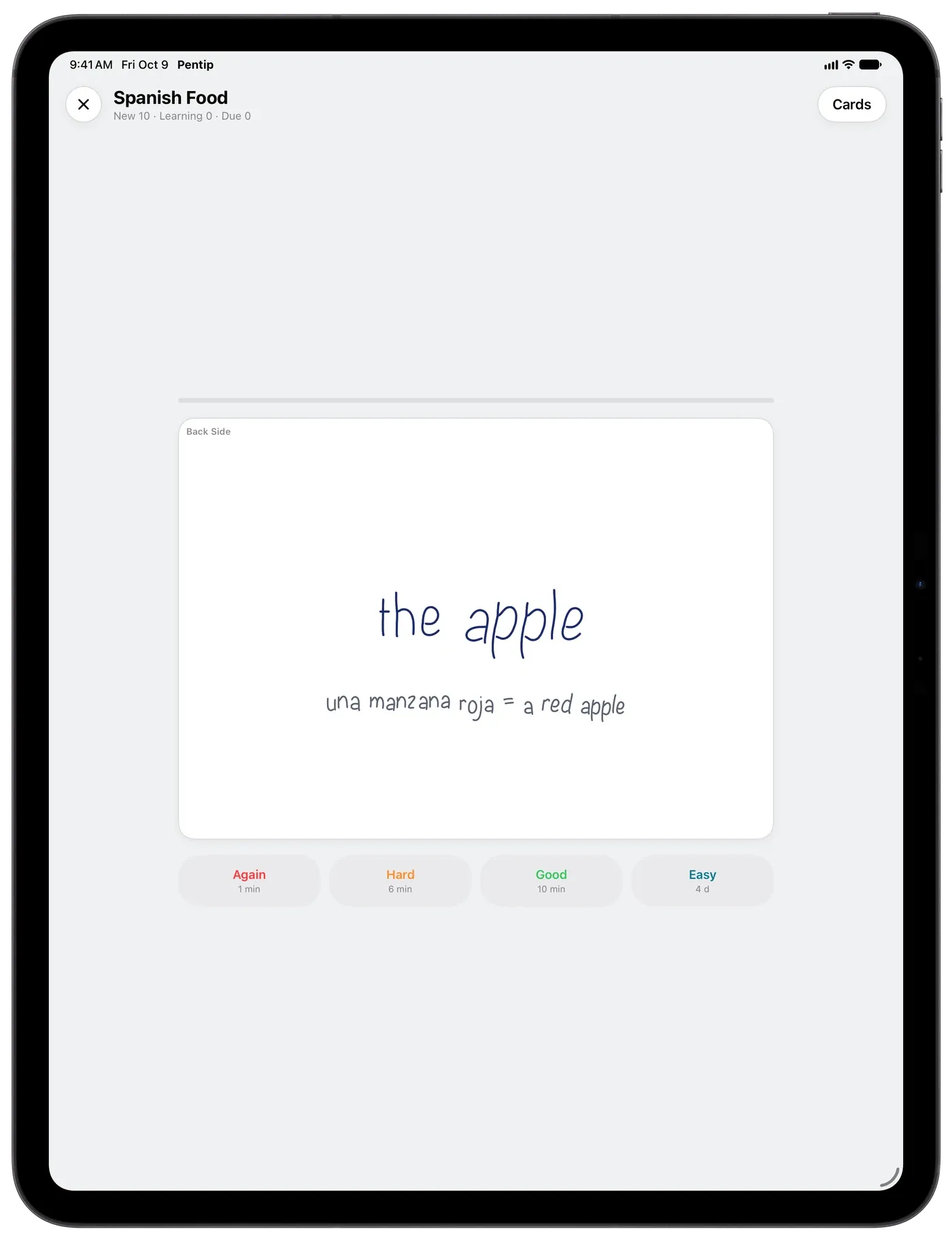
See how much you really know.
After every round, a results screen shows your score, your time, your best streak and every card at a glance. Then practise just the cards you missed.
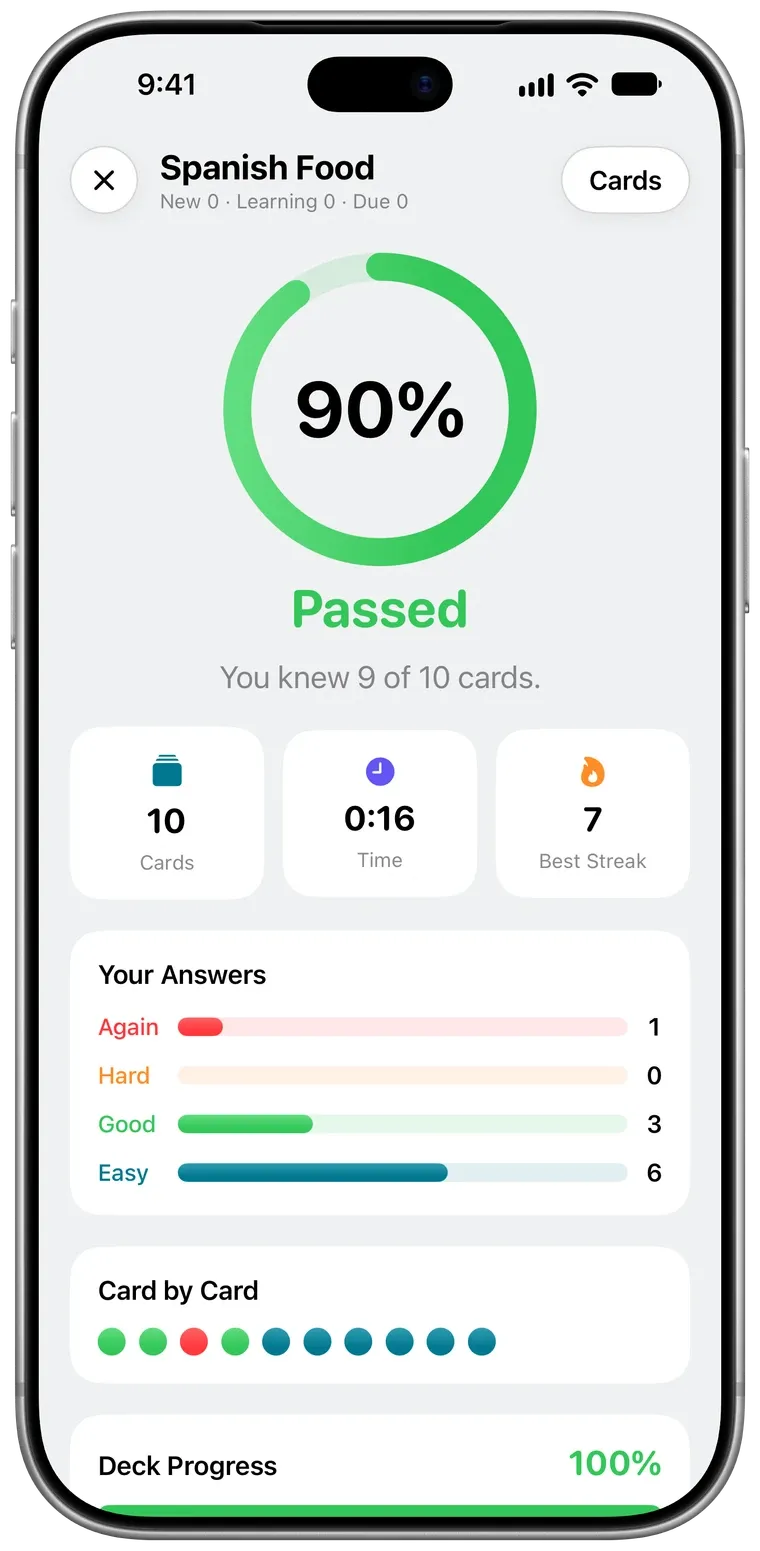
Decks you can find at a glance.
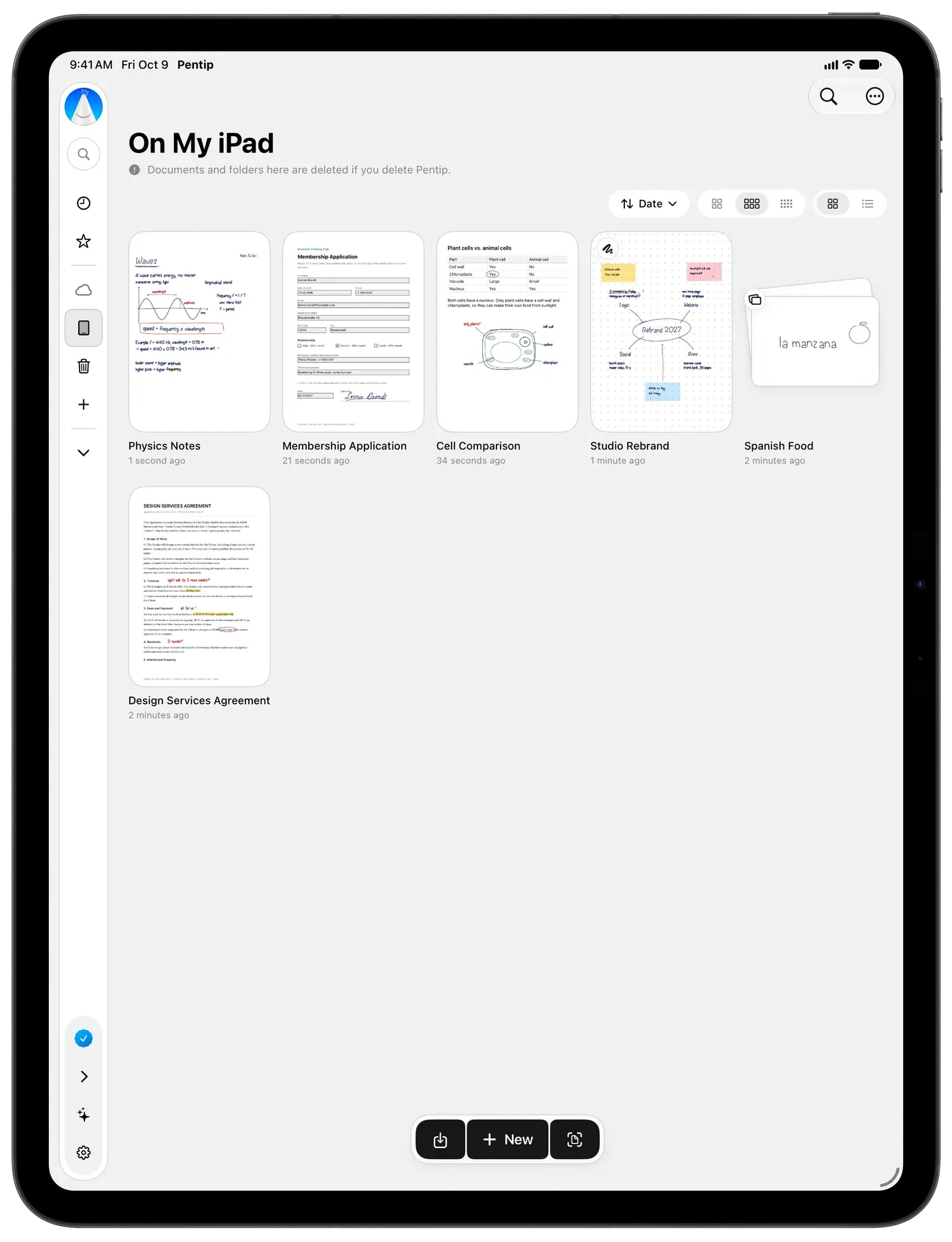
In the library a deck shows its first card with a small badge. Every card has a front and a back on the same card template, so the whole deck lines up.
Good to know.
Can I write flashcards by hand?
Yes. Every card has a front and a back that you write on with Apple Pencil or your finger, and you can draw on them too.
How does studying work?
Study a deck in order or shuffled. After each card you rate it Again, Hard, Good or Easy, and the cards you find hard come back sooner in the round.
Can I study on my iPhone?
Yes. Pentip runs on iPhone too, and with Pentip Pro your decks sync through iCloud.
Features
- Handwritten notes Handwriting and typing, on the same page.
- PDF markup Write on any PDF like it’s paper.
- Whiteboard A whiteboard that never runs out of room.
- Handwriting search Search your handwriting like typed text.
- Smart Dark Read in the dark. Share in the light.
- Paper templates The right paper for every page.
- For students From the first lecture to the last exam.