
Read in the dark. Share in the light.
Turn on Smart Dark for a document and its light pages are drawn dark while you work. It is a way of looking at the page, not an edit, so nothing you export changes.

Free to start. On iPad, iPhone and Mac.
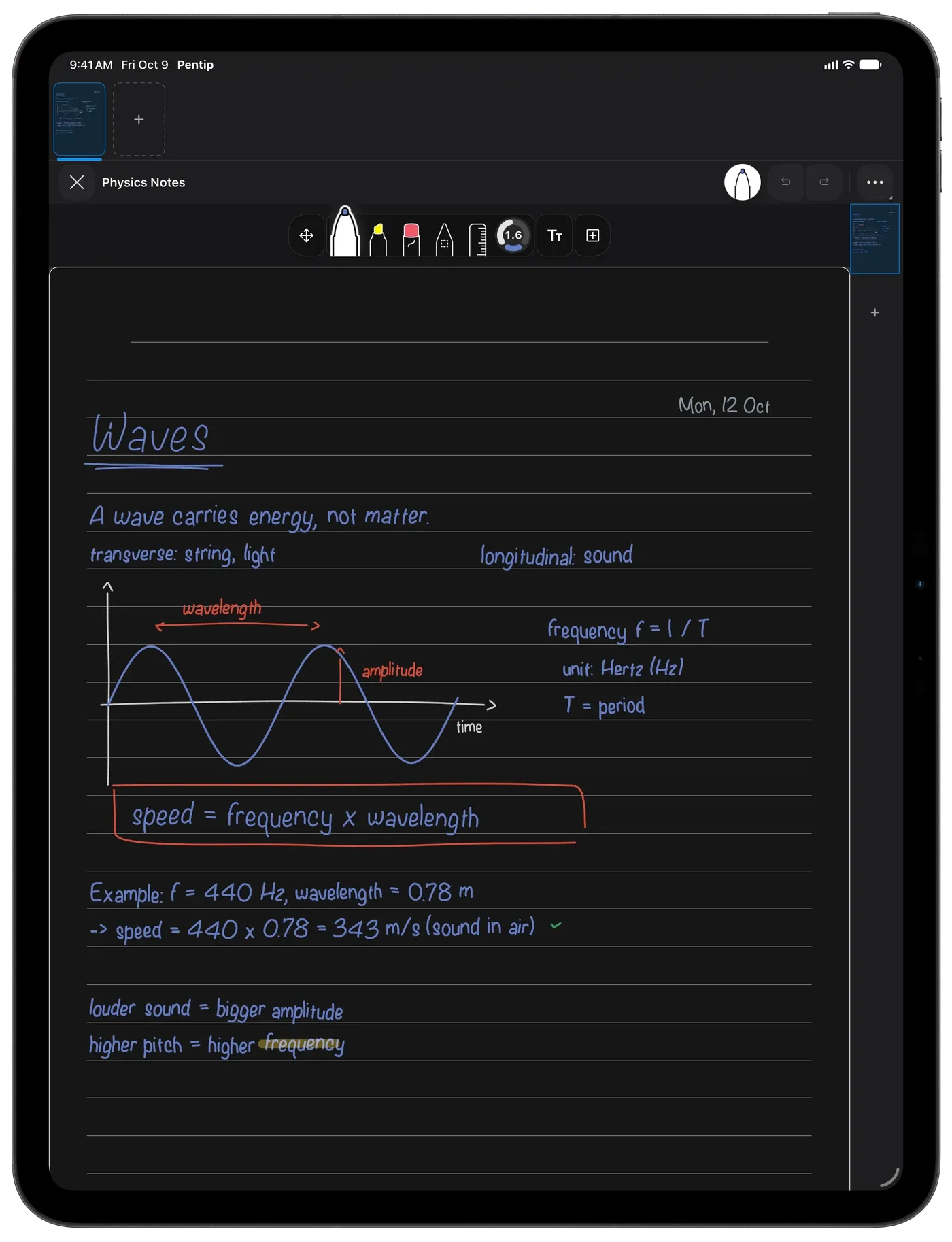
Easy on the eyes at night.
Late reading, early lectures: Smart Dark turns white pages dark and keeps your ink readable, colours included.
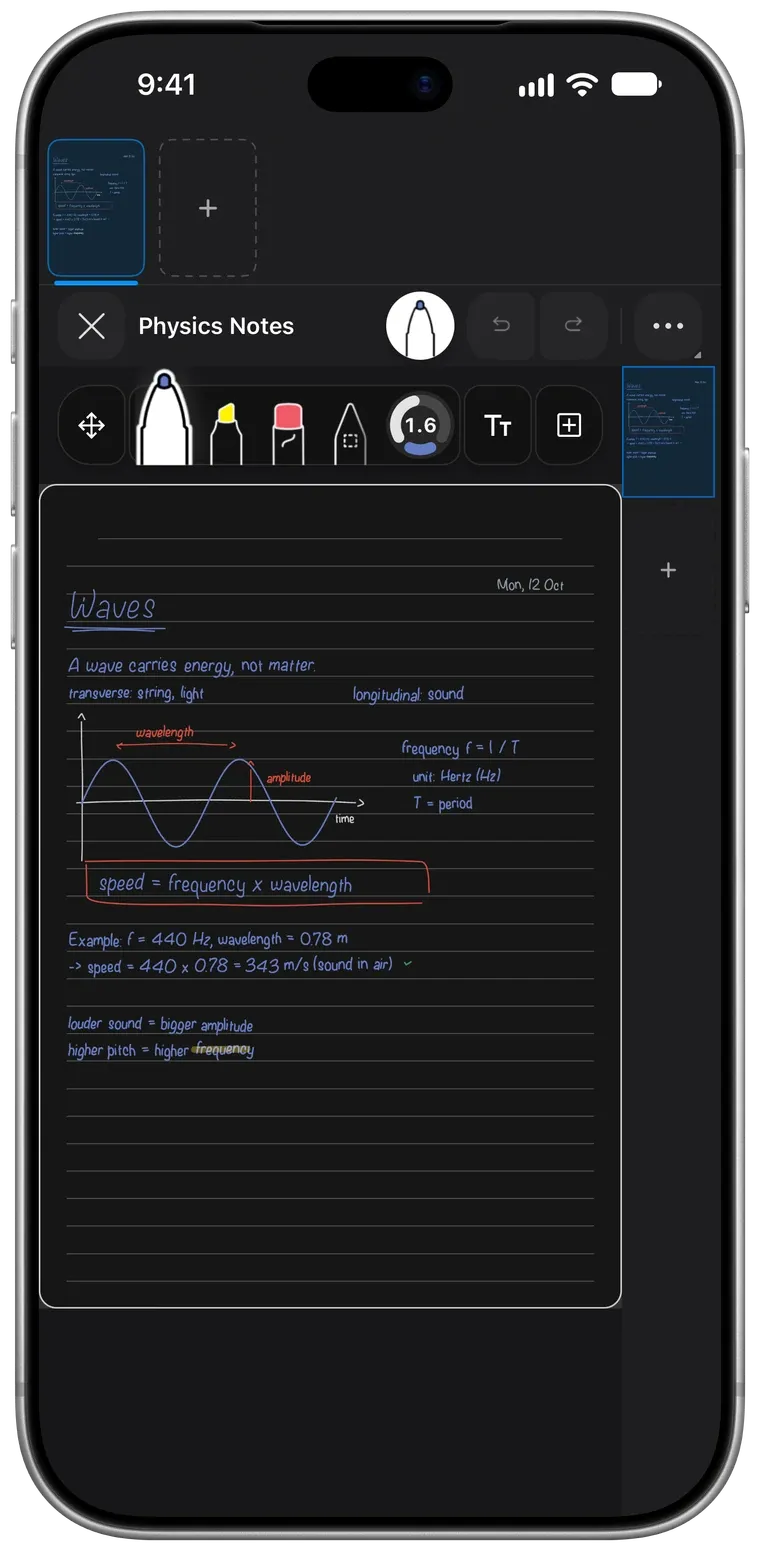
Colours that still make sense.
Pick colours from swatches, a grid or a spectrum, and they look right in Smart Dark too. Text frame backgrounds and library thumbnails follow along.
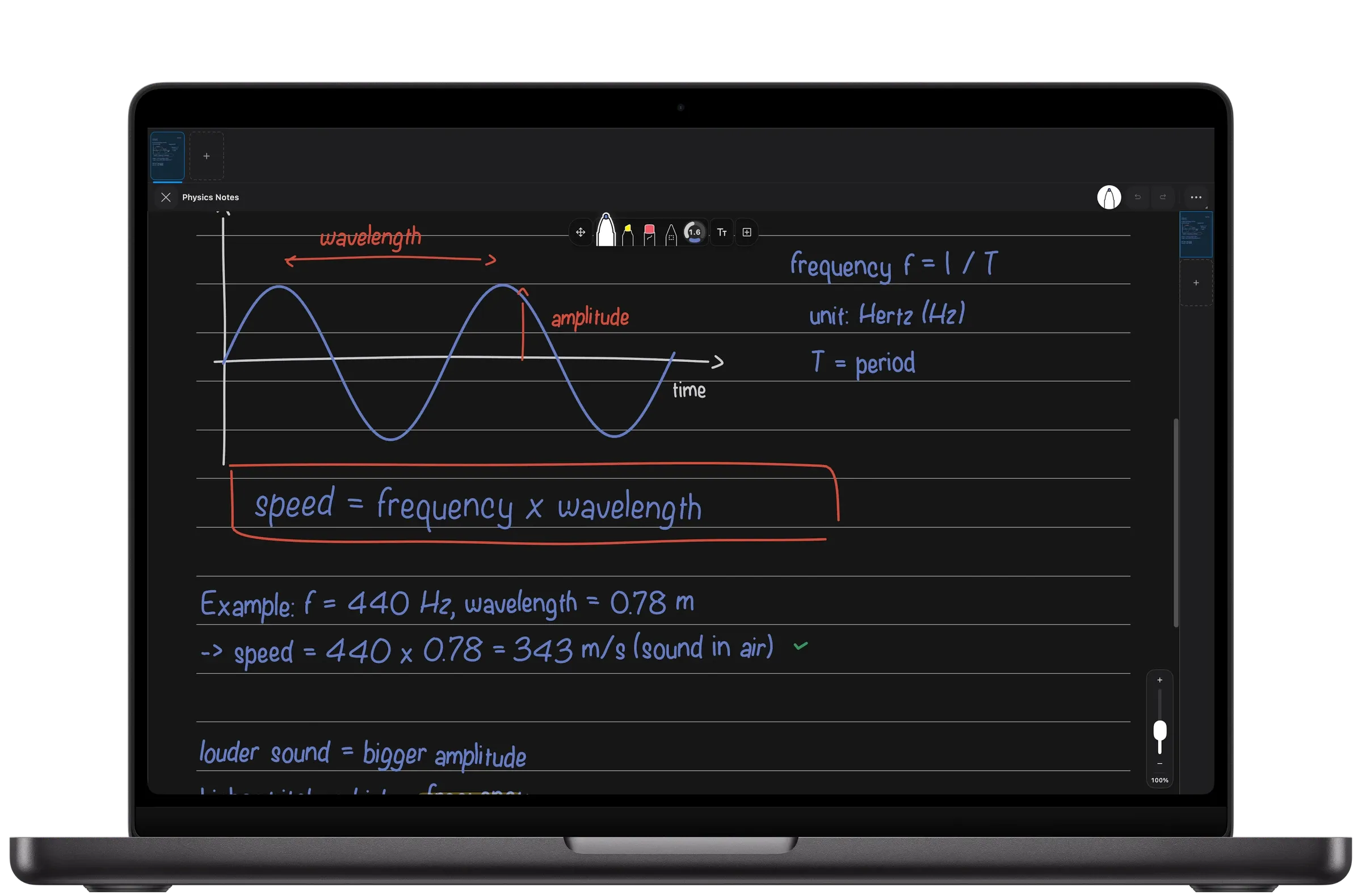
Your export stays untouched.
Export to PDF, print or share, and the document is exactly what you made, on light paper.
Good to know.
Does Smart Dark change my document?
No. It only changes how the page looks to you while you read and write. Exports, prints and shares stay exactly as you made them.
Can I turn Smart Dark on for one document only?
Yes. Smart Dark is a setting of each document.
Does Smart Dark work with my colours?
Yes. Ink colours, text frame backgrounds and thumbnails are all drawn to read well in Smart Dark.
Features
- Handwritten notes Handwriting and typing, on the same page.
- PDF markup Write on any PDF like it’s paper.
- Flashcards Flashcards in your own handwriting.
- Whiteboard A whiteboard that never runs out of room.
- Handwriting search Search your handwriting like typed text.
- Paper templates The right paper for every page.
- For students From the first lecture to the last exam.